その他の機能とオプション
この記事は、お使いのブラウザのみを保護する「AdGuard ブラウザ拡張機能」に関するものです。 デバイス全体を保護するには、AdGuardアプリをダウンロードしてください。
AdGuard ブラウザ拡張機能の主要なモジュールのほかに、拡張機能設定の「一般」および「追加設定」タブにてより特殊な機能もあります。
一般
「一般」タブでは、検索連動型広告とウェブサイトの自己宣伝広告の許可、言語特化フィルタの自動有効化の設定、フィルタの更新間隔の指定、などができます。
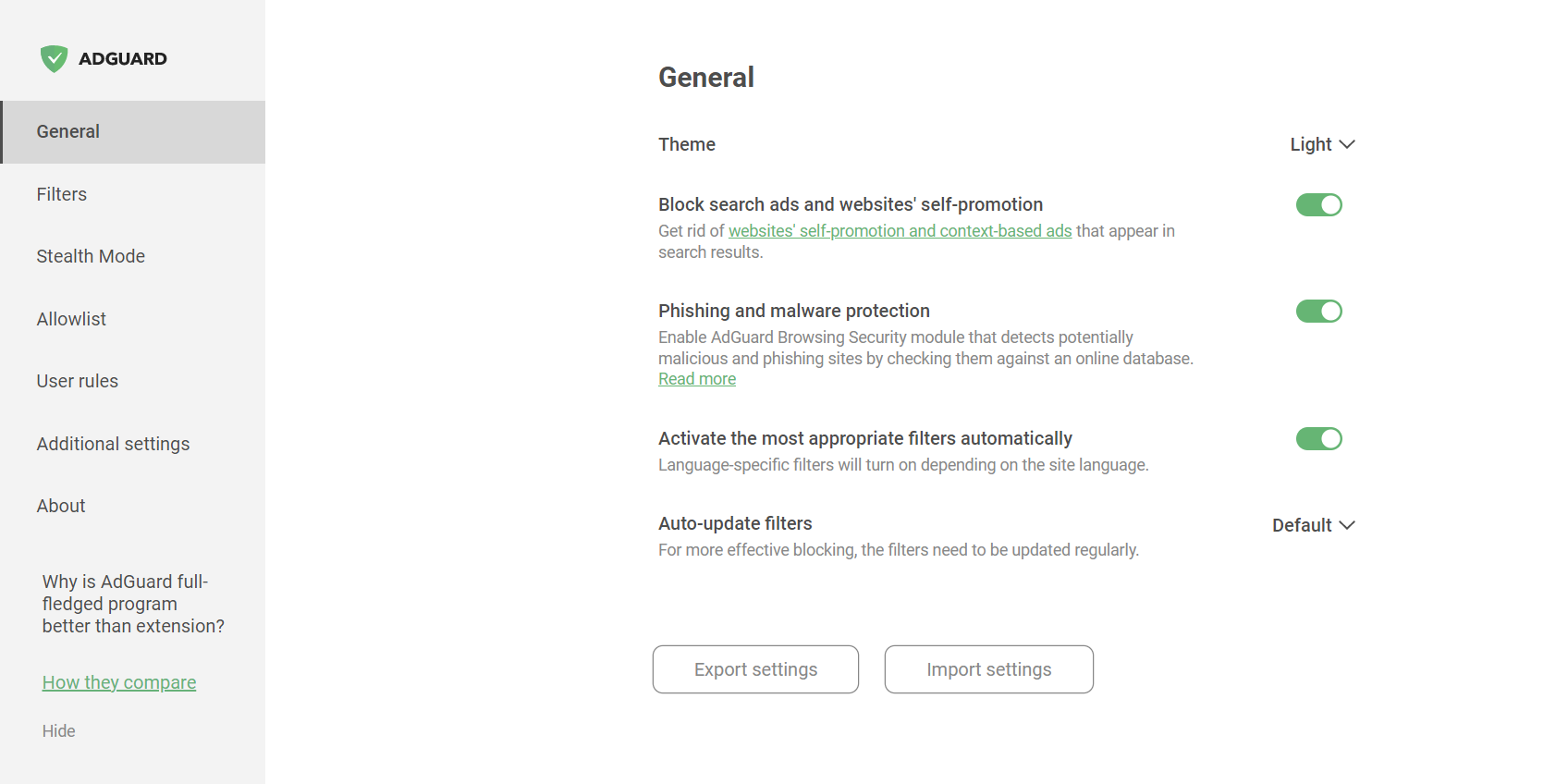
また、「フィッシング詐欺とマルウェアからの保護」を有効にすることもできます。
「設定をエクスポート」ボタンをクリックすることで、設定内容を保存することができます。 設定内容は .json ファイルとして保存されます。 以前保存した設定内容をブラウザ拡張機能にインポートするには、「設定をインポート」機能を使用してください。 この機能を使用して、簡単に異なる設定プロファイルに切り替えたり、設定内容を異なるブラウザ間で転送したりできます。
追加設定
「追加設定」セクションには、広告ブロックのプロセスと、アプリの使い勝手に関する様々な設定があります。
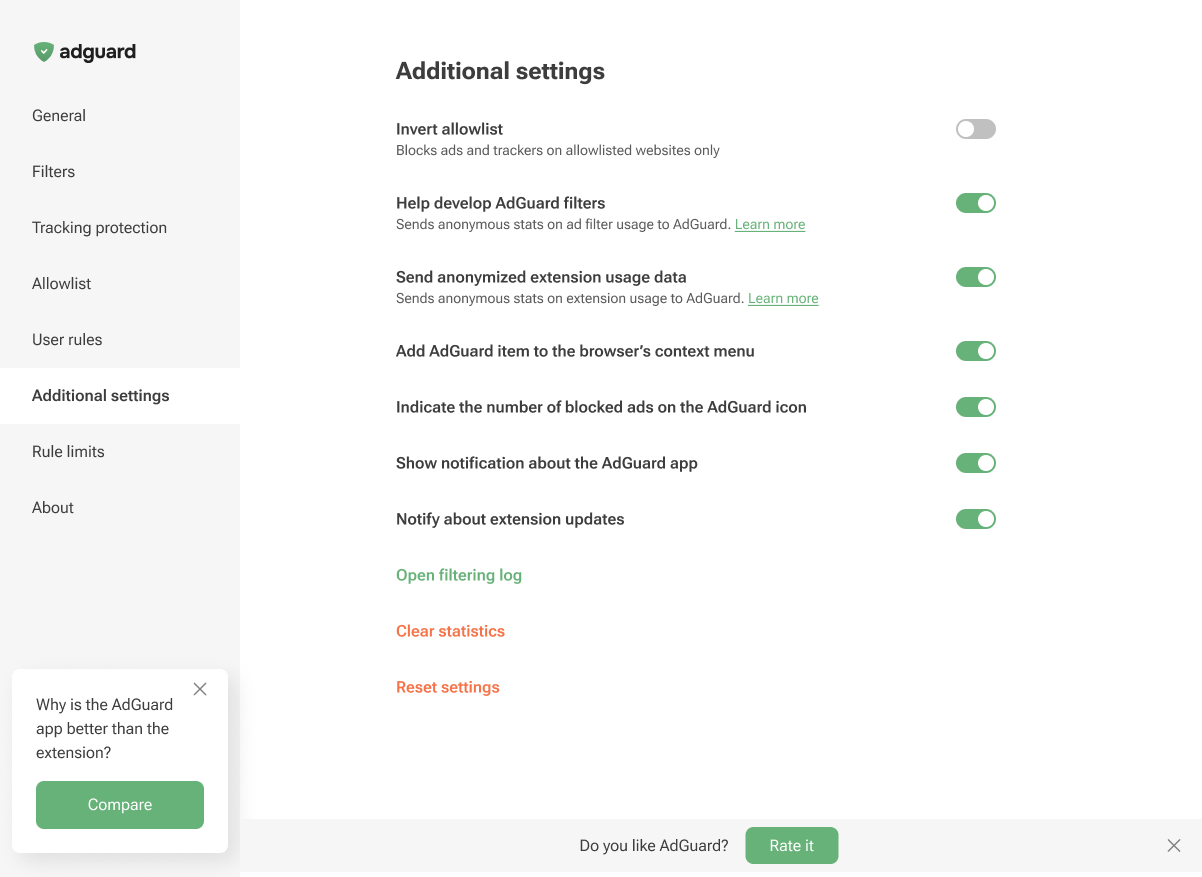
From this tab, you can invert the allowlist and add the AdGuard item to the browser’s context menu. You can also enable the display of the number of blocked ads on the AdGuard icon and notifications about extension updates. Additionally, this section lets you enable notifications about the AdGuard app, open the Filtering log, clear the statistics of blocked ads and trackers, or reset the settings.
他にも、適用されているルールに関する統計情報(どのルールが、どのウェブサイトで、どのくらいの頻度で適用されたか)の送信を許可することにより、フィルタの開発に貢献することができます。 ※AdGuardは同意なしにユーザーデータを収集することは一切ないため、このオプションはデフォルトで無効になっています。 また、このオプションを有効にしても、送信されるデータはすべて厳格に匿名化されます。
You can also choose to help us improve the extension by sending us anonymized usage data. This includes the names of the screens you interact with, the names of the buttons you click, and session identifiers. These insights help us understand where users run into friction, refine the experience, and make the extension faster and easier to use. The Send anonymized usage data option is disabled by default. If you enable it, all data will be strictly anonymized and used only internally. It will never be shared with third parties.
The Send anonymized usage data option can also be enabled on the post-installation page in Chromium-based browsers.
About
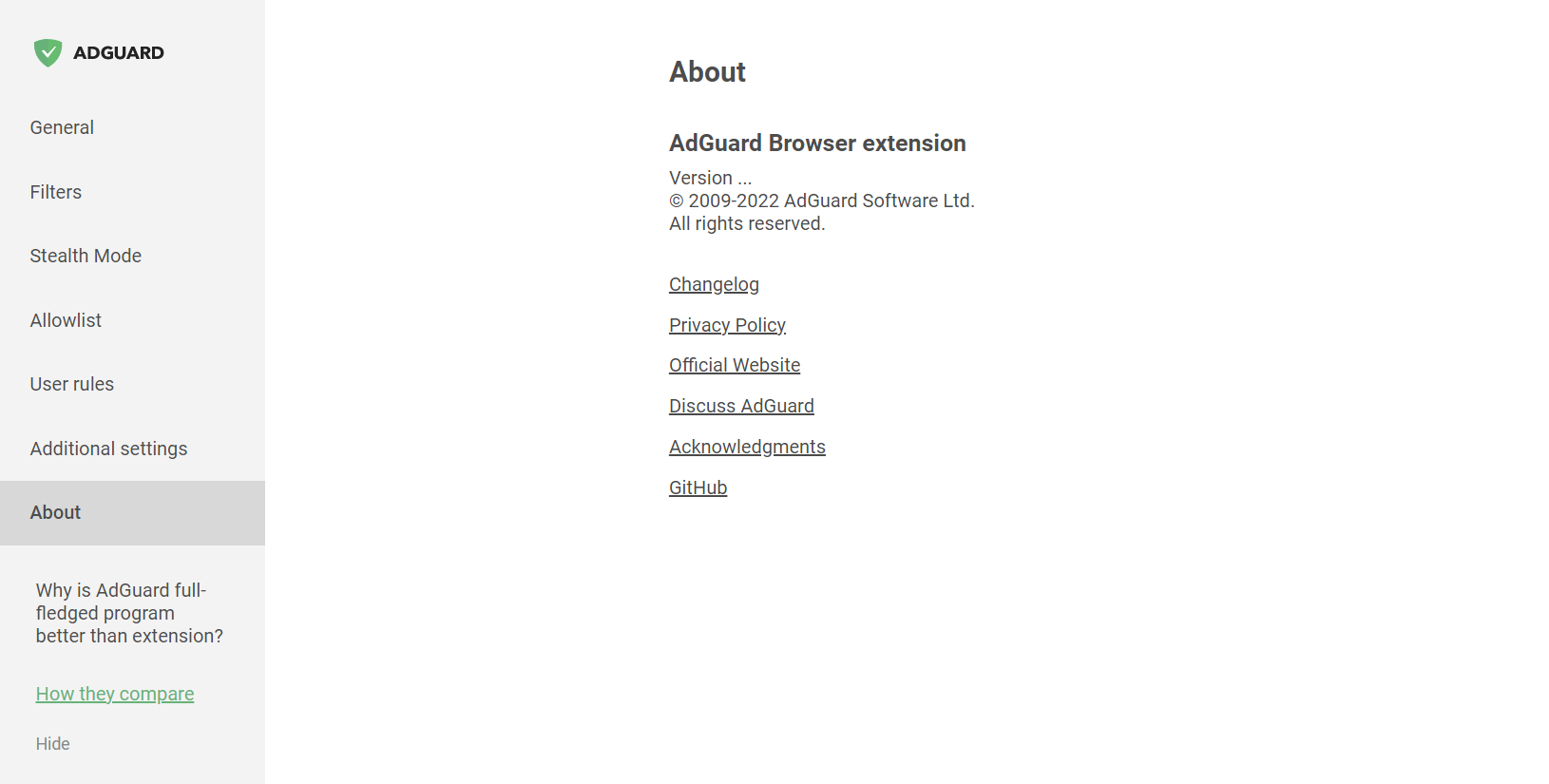
In the About section, you can find info about the current version, links to the EULA and Privacy policy, and to the repository of the Browser extension on GitHub.