Další funkce a možnosti
Tento článek je o Rozšíření prohlížeče AdGuard, které chrání pouze váš prohlížeč. Chcete-li chránit celé zařízení, stáhněte si aplikaci AdGuard
Kromě velkých klíčových modulů rozšíření prohlížeče AdGuard existuje několik dalších specifických funkcí, které lze konfigurovat na kartách Obecné a Další nastavení.
Obecné
Karta Obecné obsahuje hlavní nastavení rozšíření a umožňuje ovládat jeho základní chování při filtrování. Zde můžete povolit reklamy ve vyhledávání a vlastní propagaci na webových stránkách, povolit automatickou aktivaci filtrů pro jednotlivé jazyky, nastavit interval aktualizace filtrů a zapnout ochranu proti phishingu a škodlivým webům.
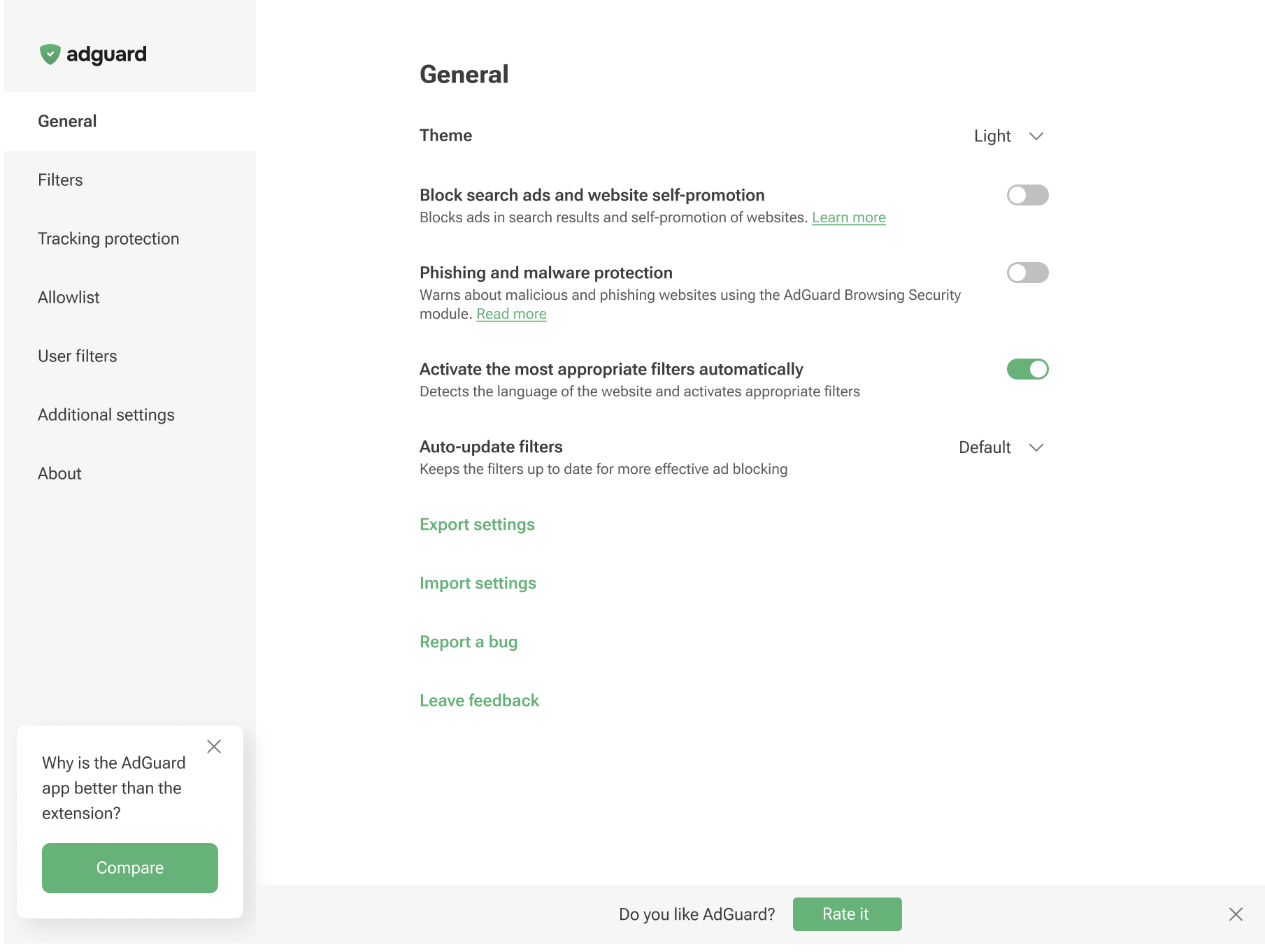
Můžete také uložit aktuální nastavení a rychle je použít v jiném prohlížeči nebo na jiném zařízení. Chcete-li to provést, klikněte na Sdílet nastavení: rozšíření vygeneruje speciální odkaz a QR kód, které obsahují vaše aktuální nastavení. Můžete buď zkopírovat odkaz a otevřít jej v prohlížeči, nebo naskenovat QR kód na zařízení s aplikací AdGuard a otevřít odkaz přímo v aplikaci. Zobrazí se výzva k použití sdílené konfigurace, abyste mohli stejné nastavení obnovit po přeinstalování prohlížeče nebo na novém zařízení.
V případě potřeby můžete tento odkaz sdílet s dalšími lidmi nebo jej připojit k žádosti o podporu, aby náš tým mohl vidět vaši přesnou konfiguraci.
Kromě toho můžete svá nastavení i nadále exportovat do souboru ve formátu .json kliknutím na Exportovat nastavení a importovat je pomocí možnosti Importovat nastavení. Díky tomu lze snadno přepínat mezi různými konfiguračními profily nebo je přenášet mezi prohlížeči.
Další nastavení
Sekce Další nastavení obsahuje řadu různých nastavení, která souvisejí s procesem blokování reklam a použitelností aplikace.
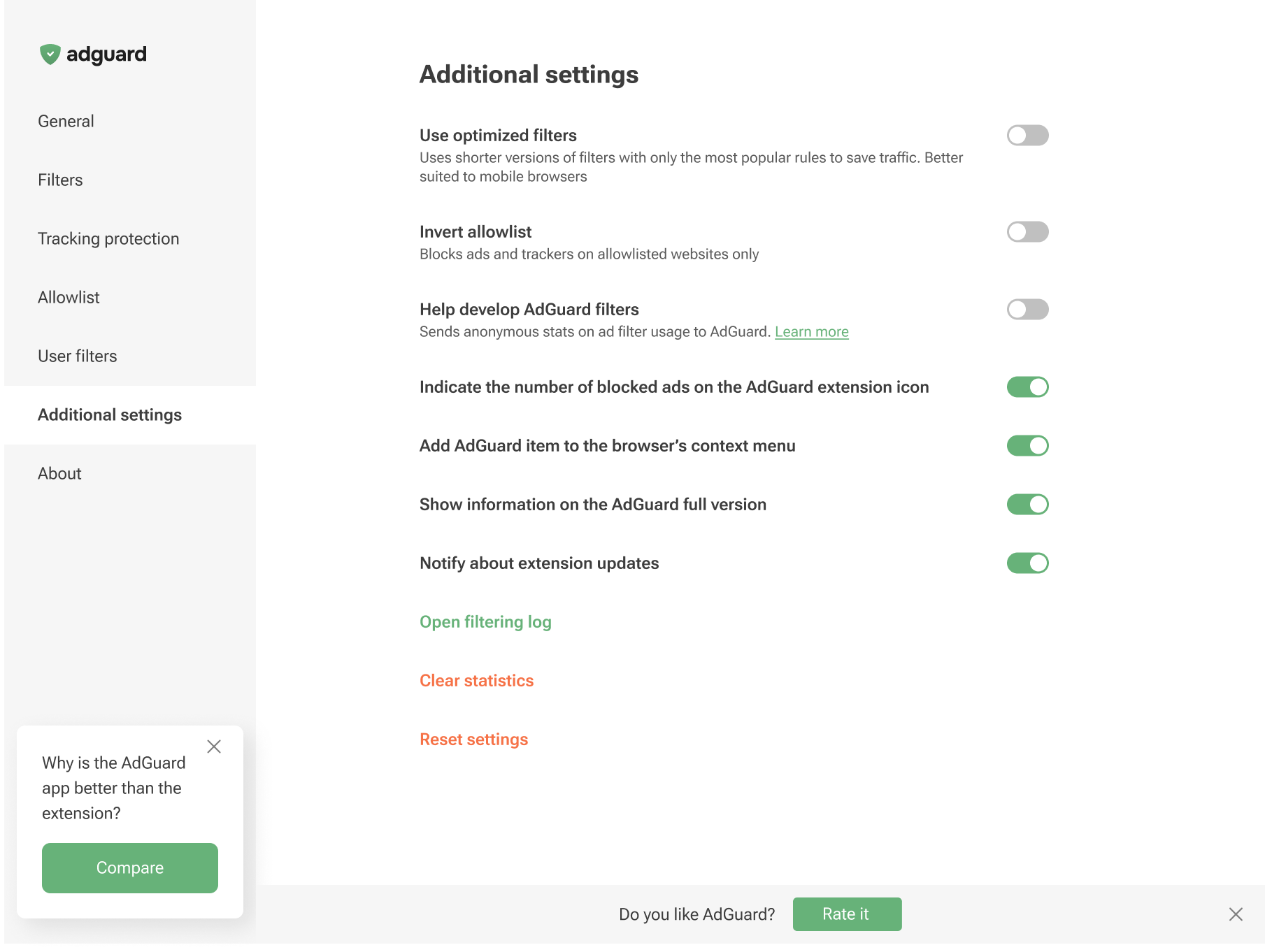
Enabling Use optimized filters activates lightweight versions of the ad-blocking rules. It focuses only on the most popular filters to save internet traffic and system memory, which is ideal for mobile browsing.
You can invert the Allowlist will unblock ads on all websites by default, except for the specific domains you manually add to your list
You can also add the AdGuard item to the browser’s context menu, enable the display of the number of blocked ads on the AdGuard icon, and toggle notifications about extension updates.
Additionally, this section lets you enable notifications about the AdGuard app, open the Filtering log, clear the statistics of blocked ads and trackers, or reset the settings.
Besides, you can opt to help us with the development of filters by sending the statistics on applied rules: which ones are triggered, on which websites, and how often. This option is disabled by default as we do not collect user data without consent. Yet, if you enable it, all data will be strictly anonymized.
You can also choose to help us improve the extension by sending us anonymized usage data. This includes the names of the screens you interact with, the names of the buttons you click, and session identifiers. These insights help us understand where users run into friction, refine the experience, and make the extension faster and easier to use. The Send anonymized usage data option is disabled by default. If you enable it, all data will be strictly anonymized and used only internally. It will never be shared with third parties.
The Send anonymized usage data option can also be enabled on the post-installation page in Chromium-based browsers.
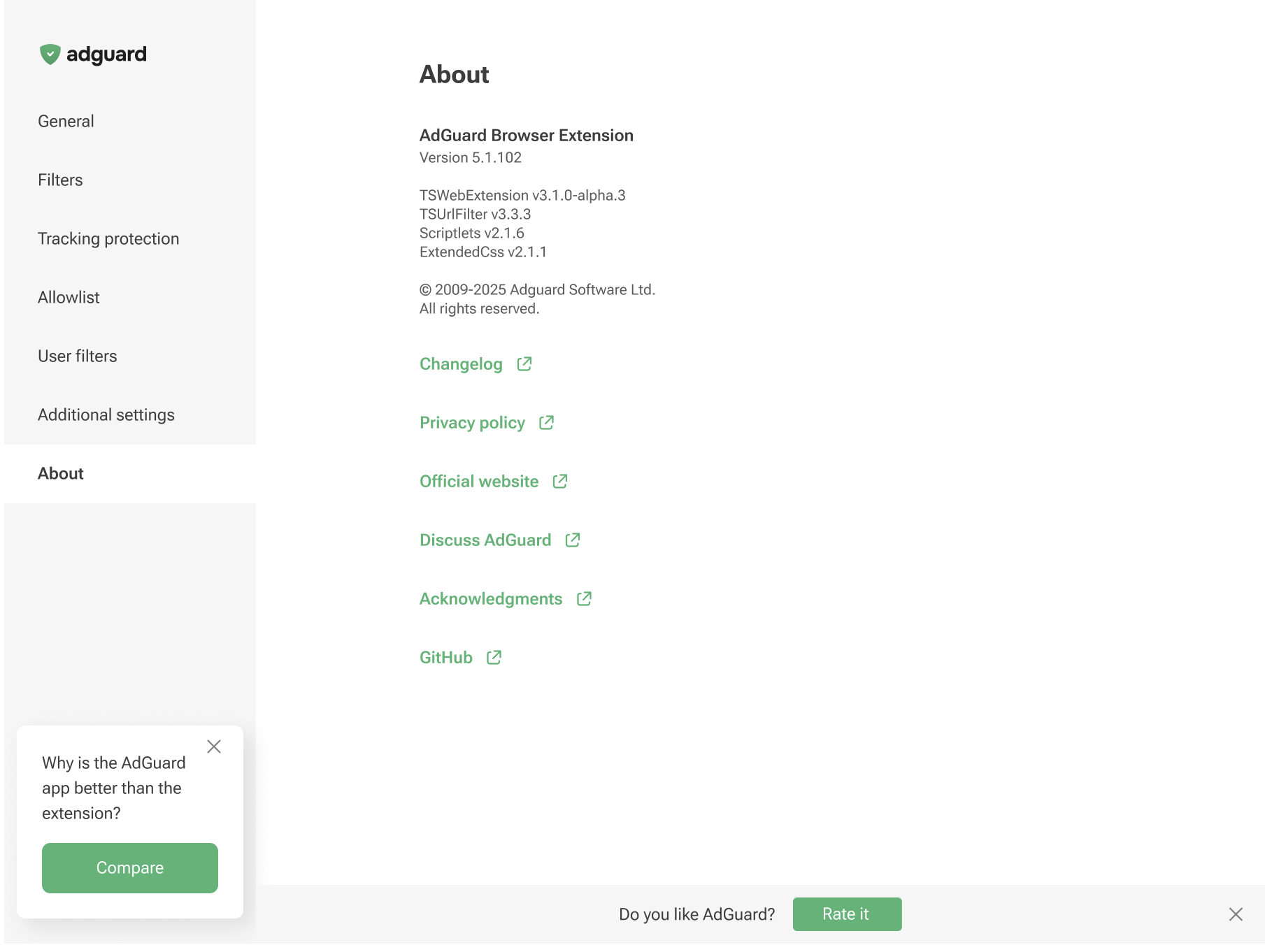
Informace
V sekci Informace najdete informace o aktuální verzi, odkazy na Zásady ochrany osobních údajů a odkaz na repozitář rozšíření prohlížeče na GitHubu.