过滤器
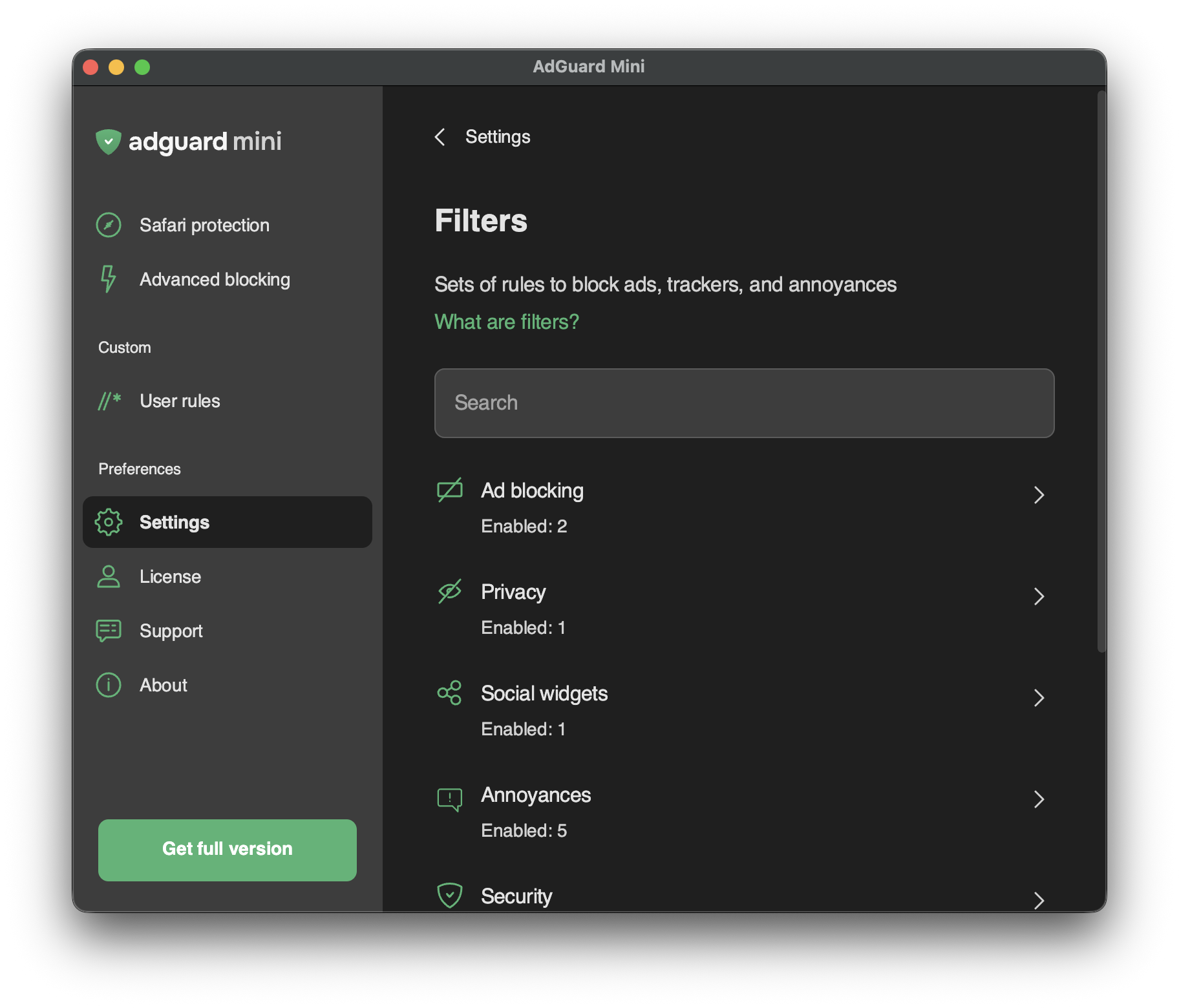
前往「设置」→「过滤」,启用单独的过滤器或整个过滤器类别。
Filters are the backbone of ad blocking and basically it’s what keeps the Internet clean. 过滤器是用特殊语法编写的规则列表。 根据这些规则,内容拦截器可以过滤网络流量:拦截广告或对恶意网站的请求。
Filters are combined into eight thematic categories: Ad Blocking, Privacy, Social widgets, Annoyances, Security, Language-specific filters, Custom, and Other filters.
了解更多有关 AdGuard 过滤器或一般广告过滤的信息。
Changes in Filters are also reflected in Settings → Safari extensions.
自定义过滤器
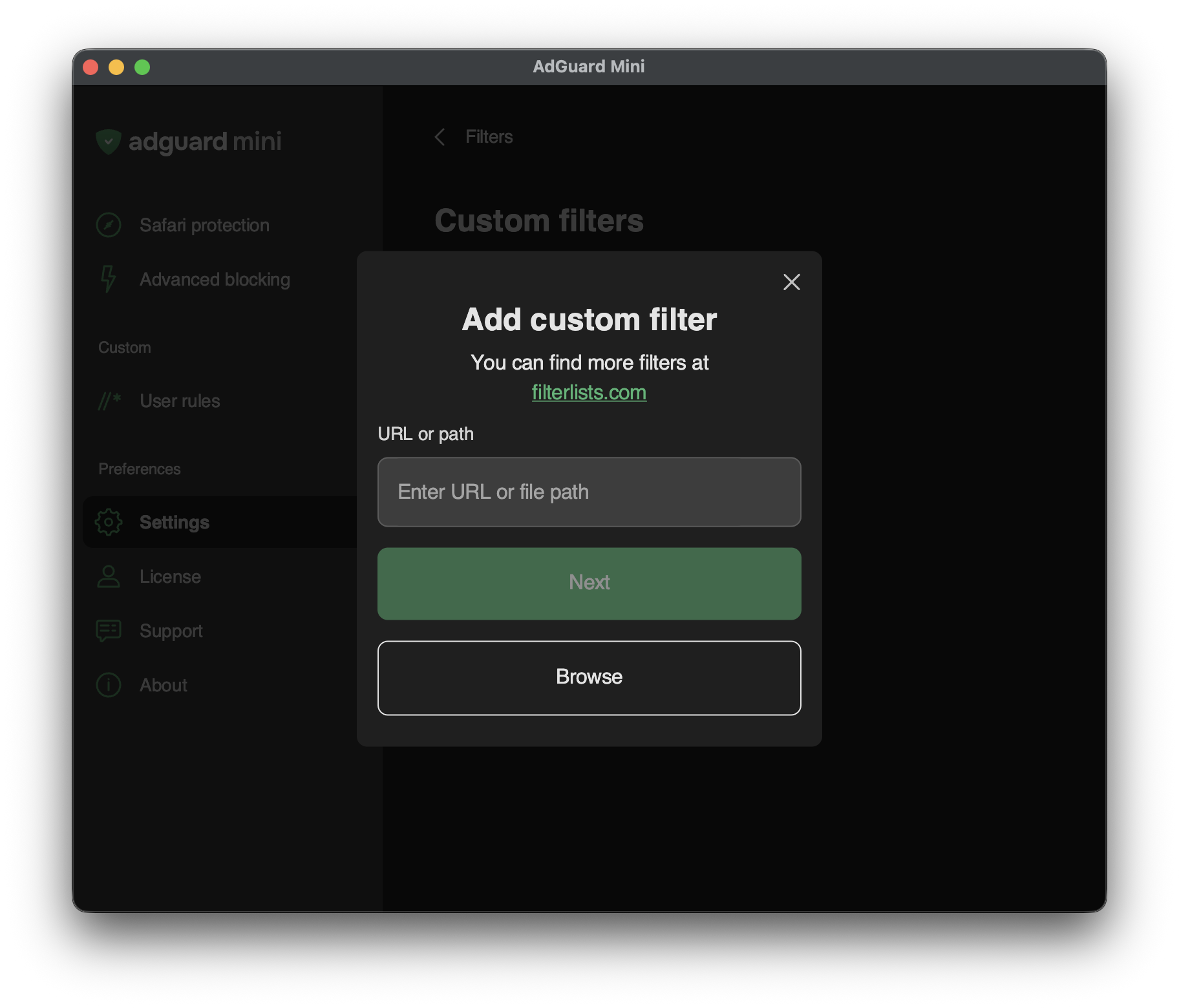
To add a custom filter, go to Settings → Filters → Custom filters and enter a URL or a local file path in the relevant field.
You can find a lot of filters at filterlists.com.