Filters
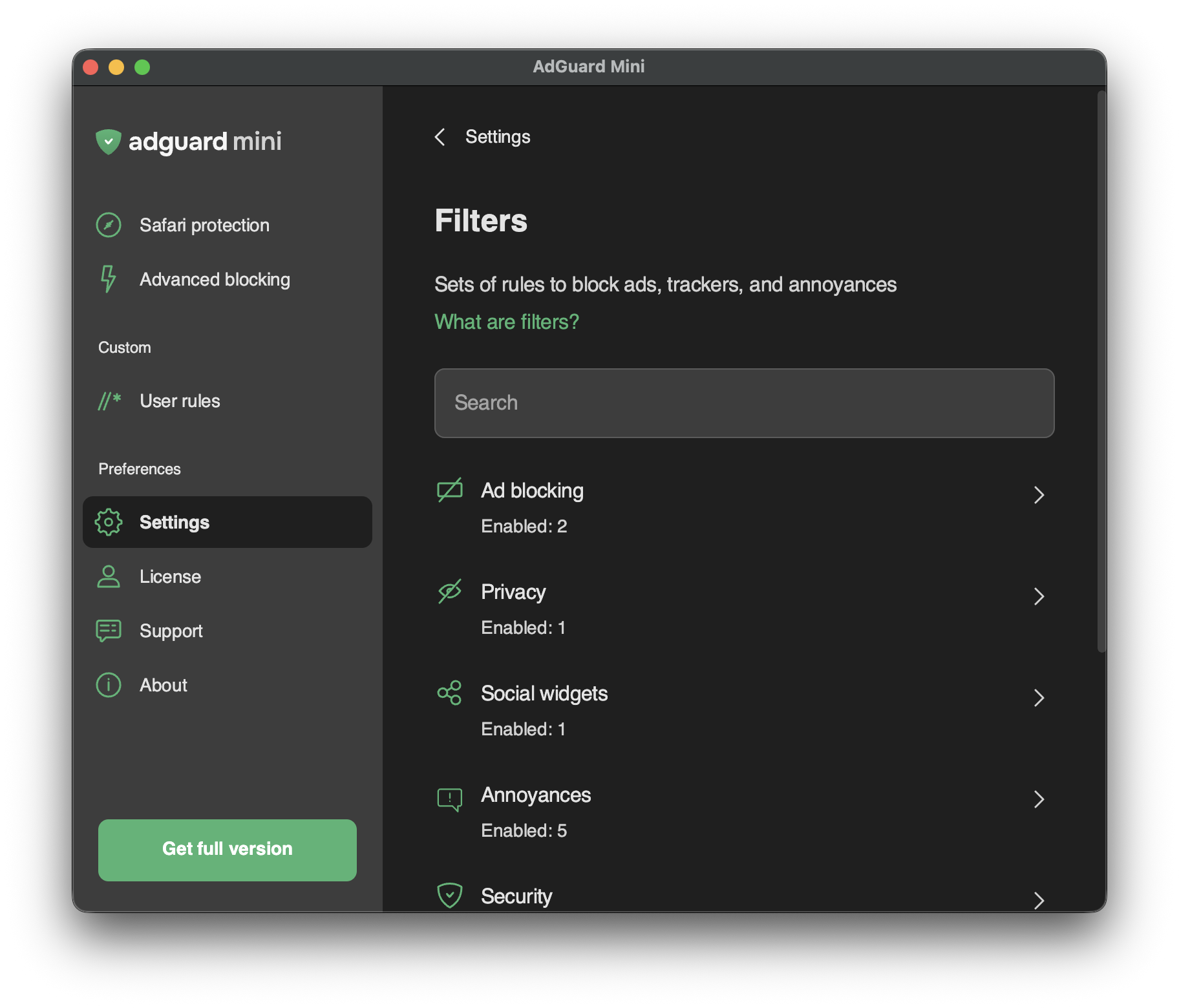
In Settings → Filters, you can enable separate filters or whole categories of filters.
Filters are the backbone of ad blocking and basically it’s what keeps the Internet clean. A filter is a list of rules written in a special syntax. Following these rules, content blockers can filter web traffic: block ads or requests to malicious websites.
Filters are combined into eight thematic categories: Ad Blocking, Privacy, Social widgets, Annoyances, Security, Language-specific filters, Custom, and Other filters.
Read more about AdGuard filters or ad filtering in general.
Changes in Filters are also reflected in Settings → Safari extensions.
Custom filters
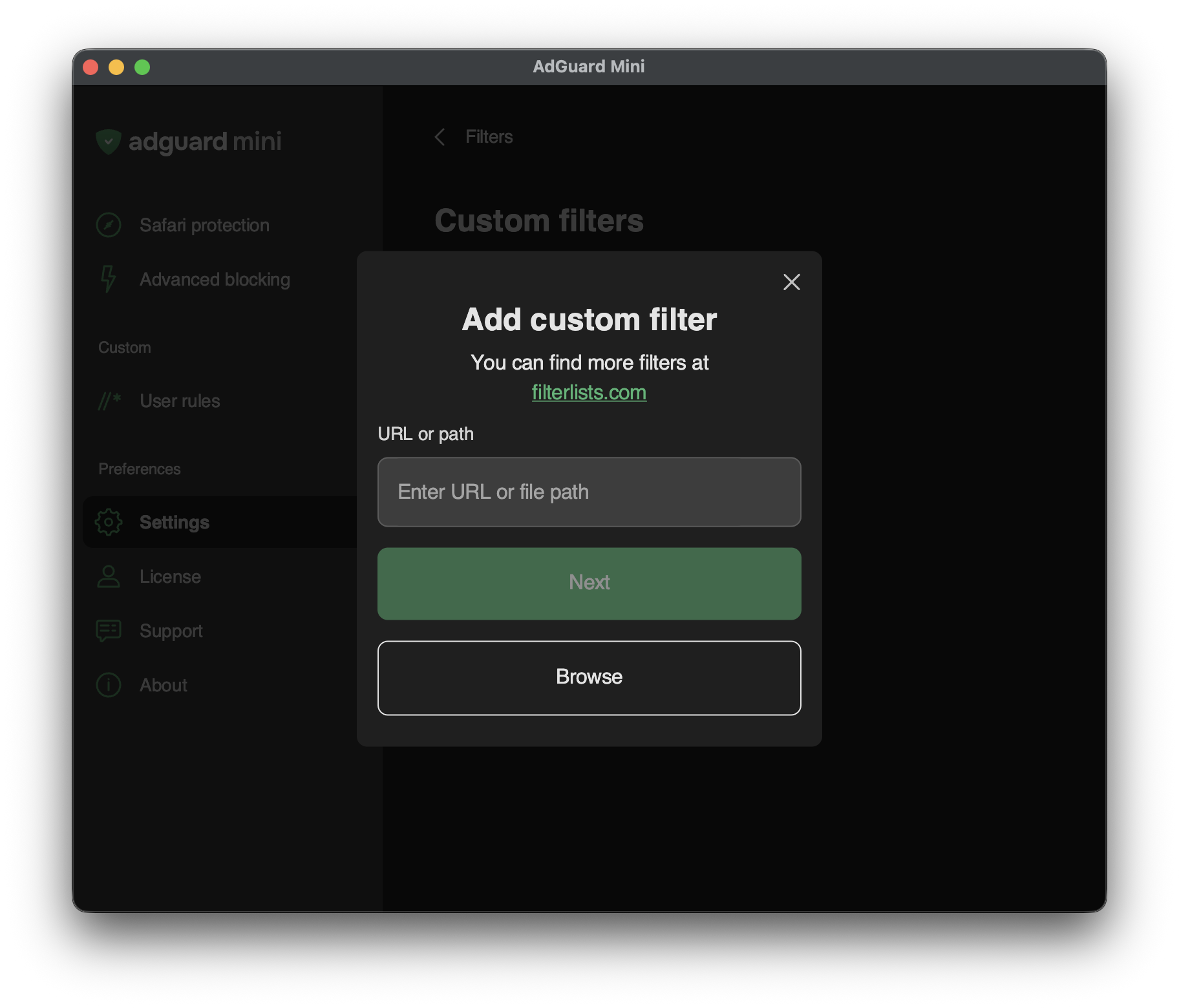
To add a custom filter, go to Settings → Filters → Custom filters and enter a URL or a local file path in the relevant field.
You can find a lot of filters at filterlists.com.