Outros recursos e opções
Este artigo é sobre a extensão de navegador AdGuard, que protege apenas o seu navegador. Para proteger todo o seu dispositivo, baixe o aplicativo AdGuard
Além dos grandes módulos principais da extensão do navegador AdGuard, existem vários outros recursos específicos que podem ser configurados nas abas Geral e nas Configurações adicionais das configurações da extensão.
Geral
Na aba Geral, você pode permitir anúncios de pesquisa e a autopromoção de sites, ativar a ativação automática de filtros específicos de idioma, indicar o intervalo de atualização dos filtros etc.
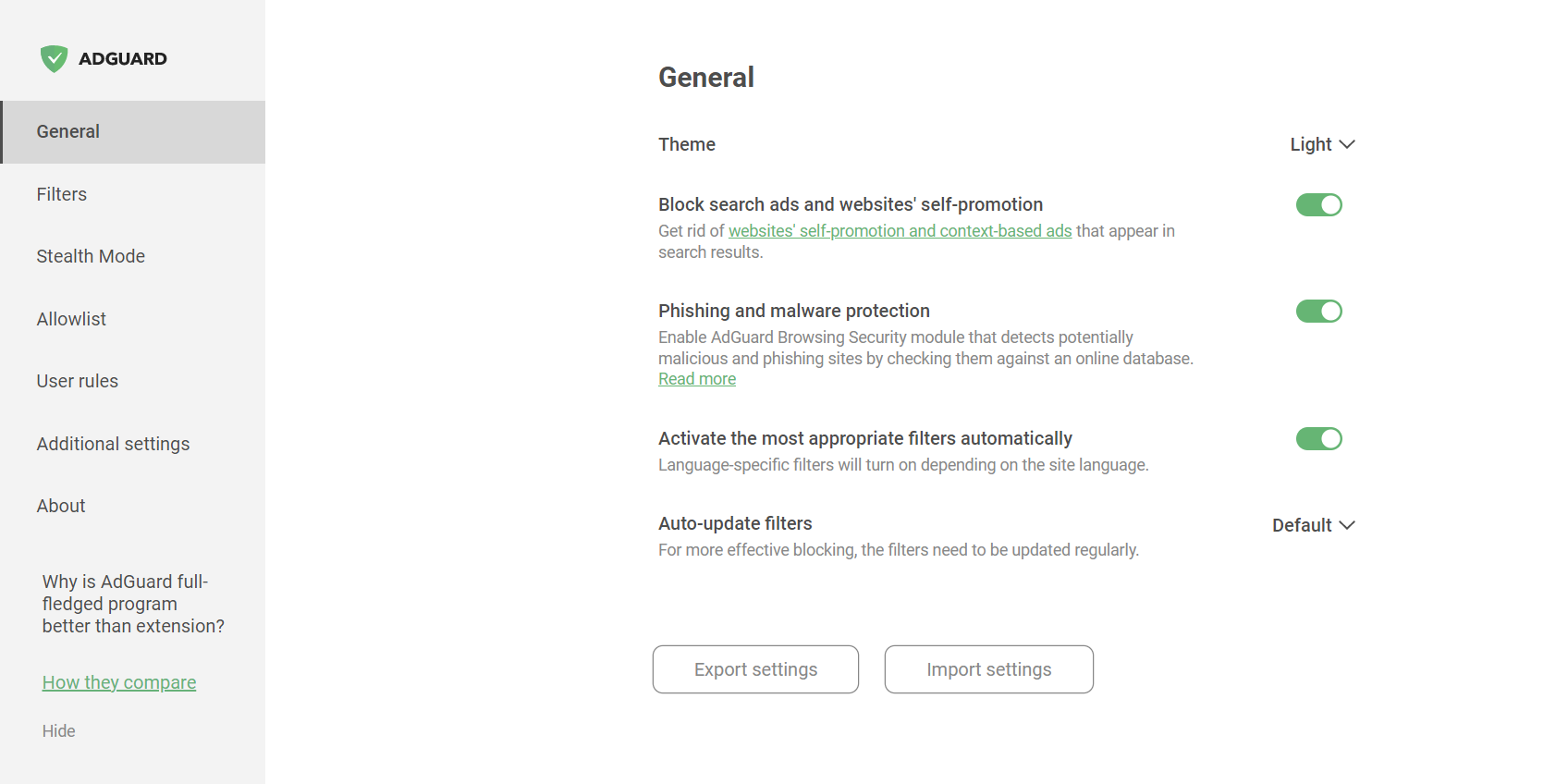
Além disso, aqui você pode ativar a Proteção contra phishing e malware.
Você pode salvar suas configurações clicando no botão Exportar configurações. As configurações serão salvas como um arquivo .json. Para importar as configurações salvas anteriormente, use a função Importar configurações. Você pode até usá-lo para alternar rapidamente entre diferentes perfis de configurações ou até mesmo para transferir configurações entre diferentes navegadores.
Configurações adicionais
A seção Configurações adicionais contém uma variedade de configurações relacionadas ao processo de bloqueio de anúncios e à usabilidade do aplicativo.
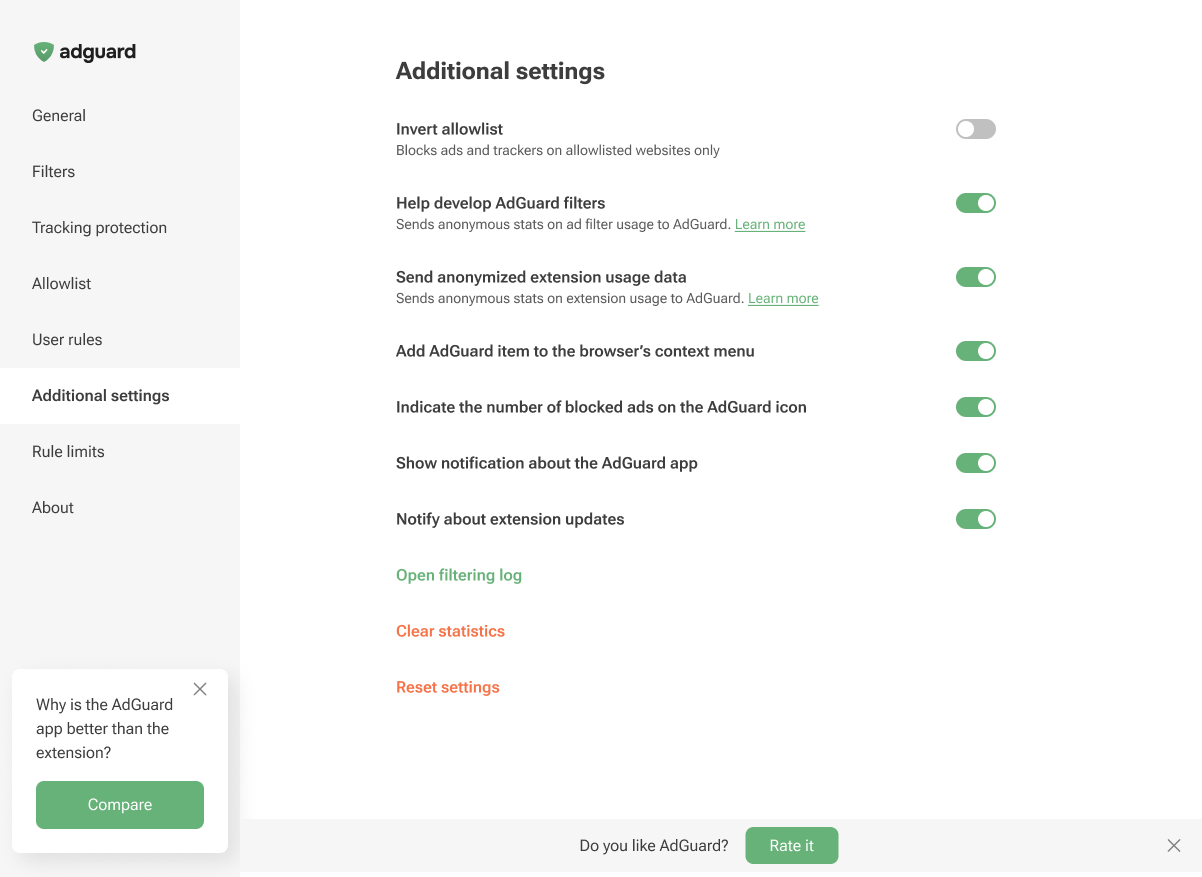
From this tab, you can invert the allowlist and add the AdGuard item to the browser’s context menu. You can also enable the display of the number of blocked ads on the AdGuard icon and notifications about extension updates. Additionally, this section lets you enable notifications about the AdGuard app, open the Filtering log, clear the statistics of blocked ads and trackers, or reset the settings.
Além disso, você pode optar por nos ajudar no desenvolvimento de filtros enviando estatísticas sobre as regras aplicadas: quais são acionadas, em quais sites e com que frequência. Esta opção está desativada por padrão, pois não coletamos dados do usuário sem consentimento. Mesmo que você a ative, todos os dados serão estritamente anônimos.
You can also choose to help us improve the extension by sending us anonymized usage data. This includes the names of the screens you interact with, the names of the buttons you click, and session identifiers. These insights help us understand where users run into friction, refine the experience, and make the extension faster and easier to use. The Send anonymized usage data option is disabled by default. If you enable it, all data will be strictly anonymized and used only internally. It will never be shared with third parties.
The Send anonymized usage data option can also be enabled on the post-installation page in Chromium-based browsers.
About
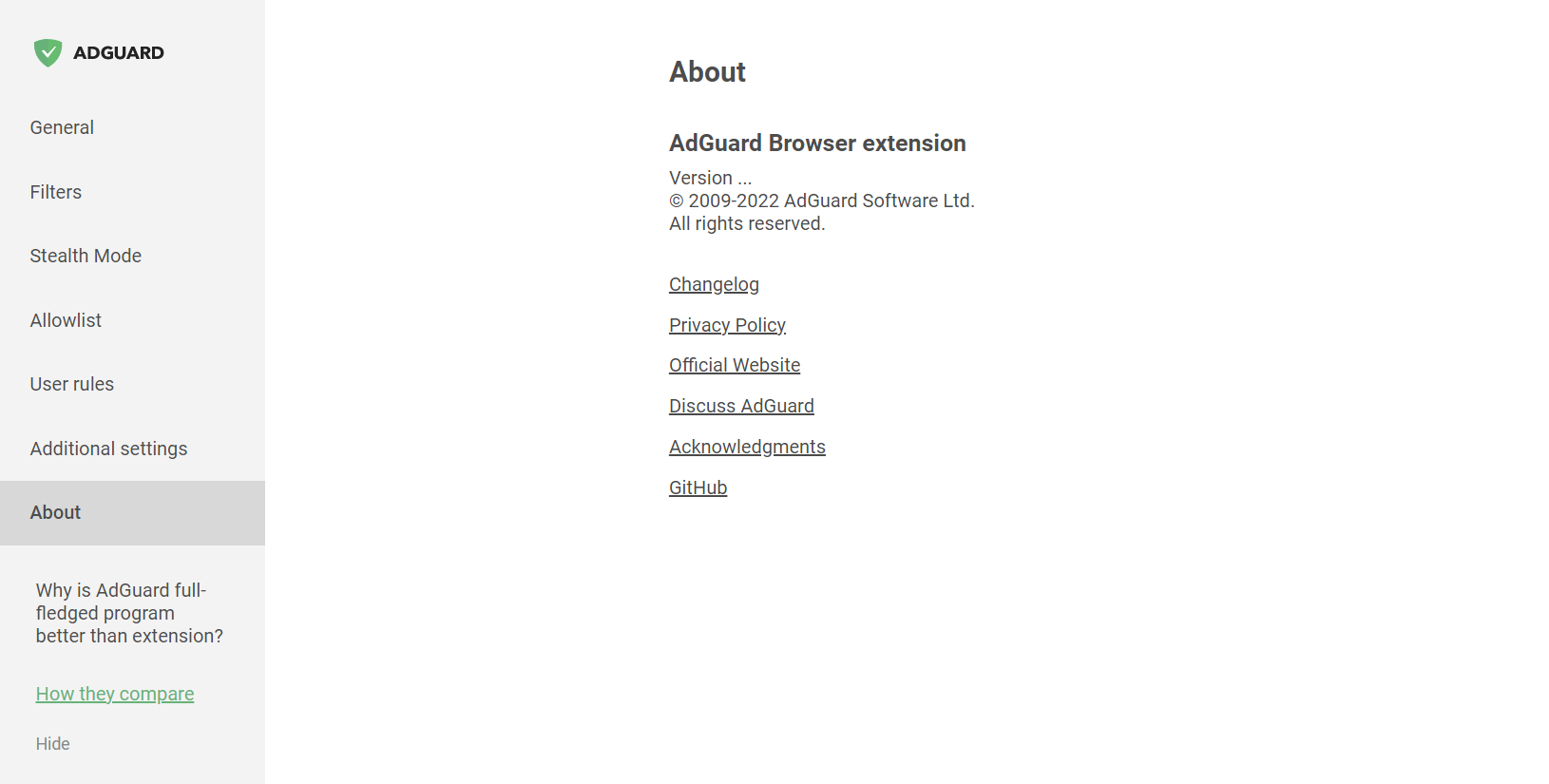
In the About section, you can find info about the current version, links to the EULA and Privacy policy, and to the repository of the Browser extension on GitHub.