Ad blocking issues on search websites in Opera
If AdGuard Browser Extension fails to block ads on search websites in Opera, either automatically or manually, it means that the extension does not have permission to access search page results.
To grant the required permission:
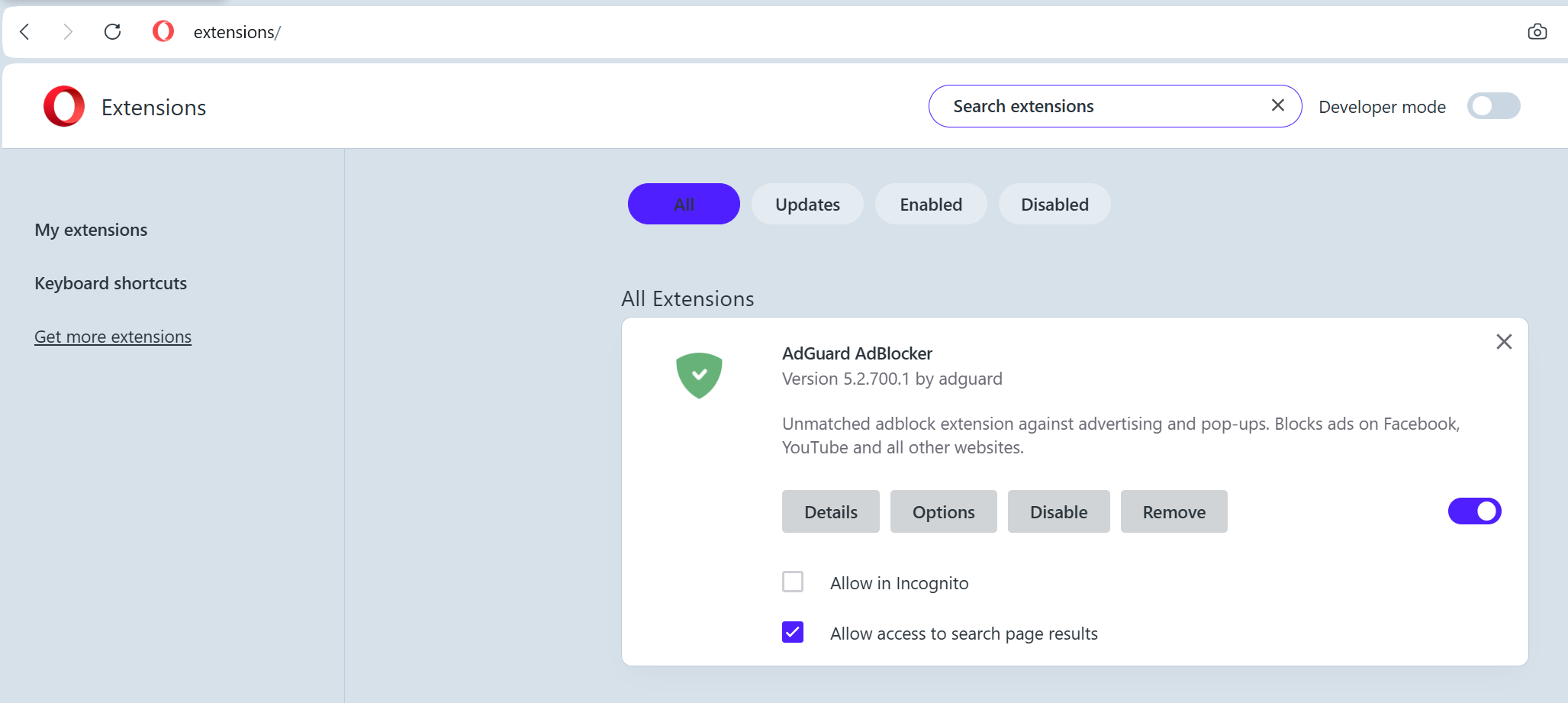
- Click the cube icon next to the address bar → Manage extensions....
- Find AdGuard AdBlocker in the list of installed extensions and tick the box next to Allow access to search page results.
Once this is done, ads on search websites will be blocked as expected.