Ad blocking
info
This article is about AdGuard for Android, a multifunctional ad blocker that protects your device at the system level. To see how it works, download the AdGuard app
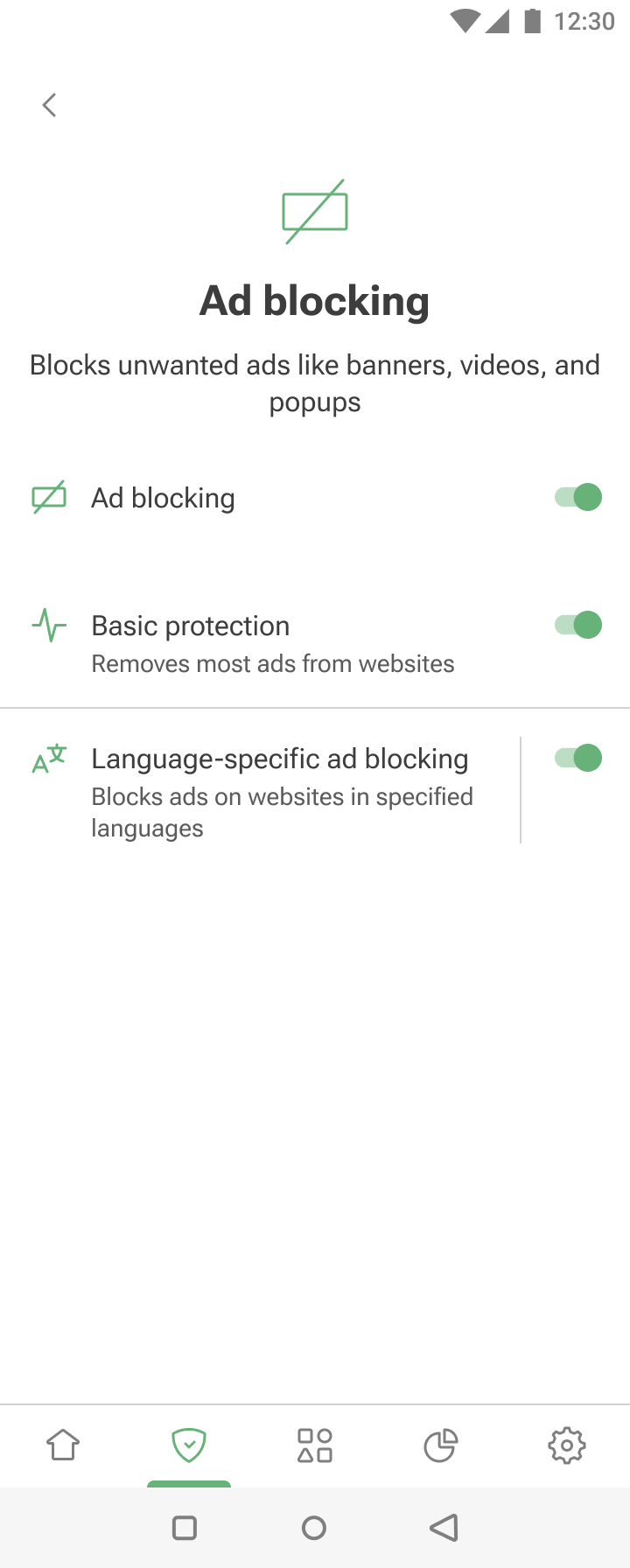
The Ad blocking module can be accessed by tapping the Protection tab (second-left icon at the bottom of the screen) and then selecting Ad blocking.
The feature removes ads by applying ad-blocking and language-specific filters. To learn about the mechanism of ad blocking, you can read a dedicated article.
Basic protection effectively blocks ads on most websites. For more customized ad blocking, you can enable Language-specific ad blocking — it contains filtering rules for websites in specific languages.