安装
这篇文章是关于 Safari 版的 AdGuard,用于保护用户的 Safari 浏览器。要全面保护设备,请下载 AdGuard 应用程序。
系统要求
需要 macOS 10.15 (Catalina)。 Safari 的最低支持版本是 13 或更高版本。
How to install AdGuard for Safari
AdGuard Safari 版是 App Store 中的一款免费应用程序。要在设备上安装它,请执行以下操作。
-
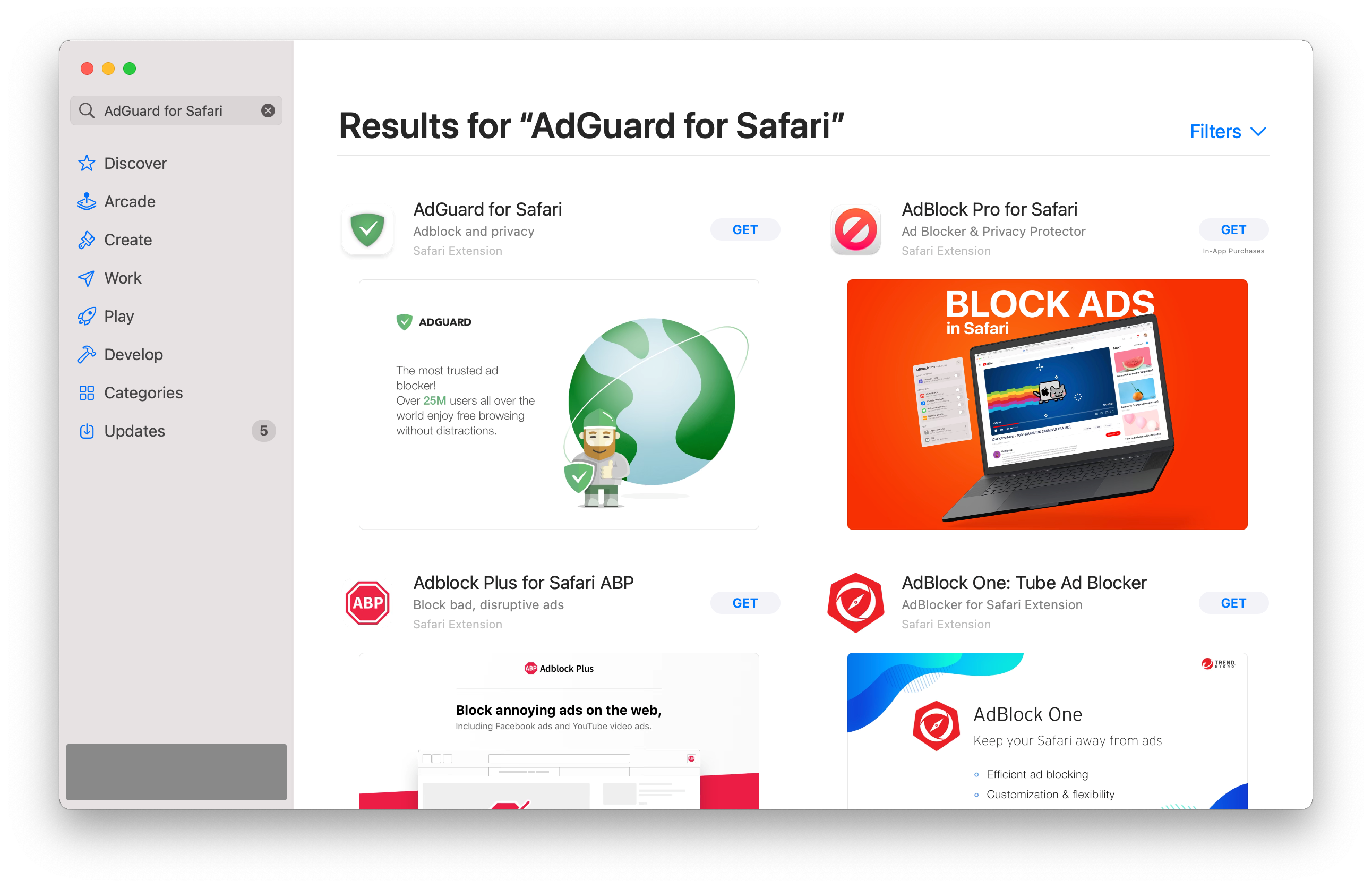
打开 App Store,找到所需的扩展程序。
-
按下「获取」→「安装」→「打开」。
-
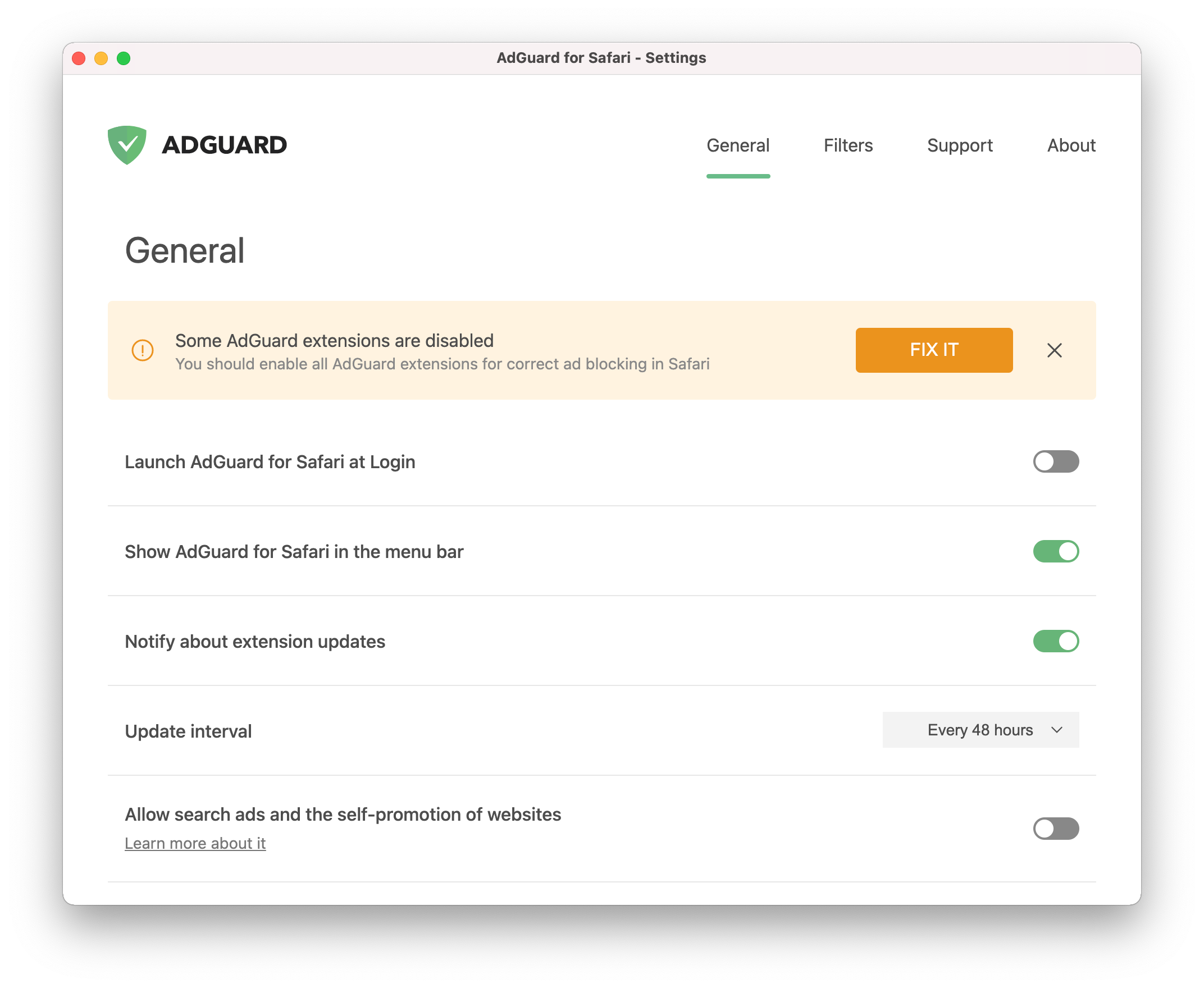
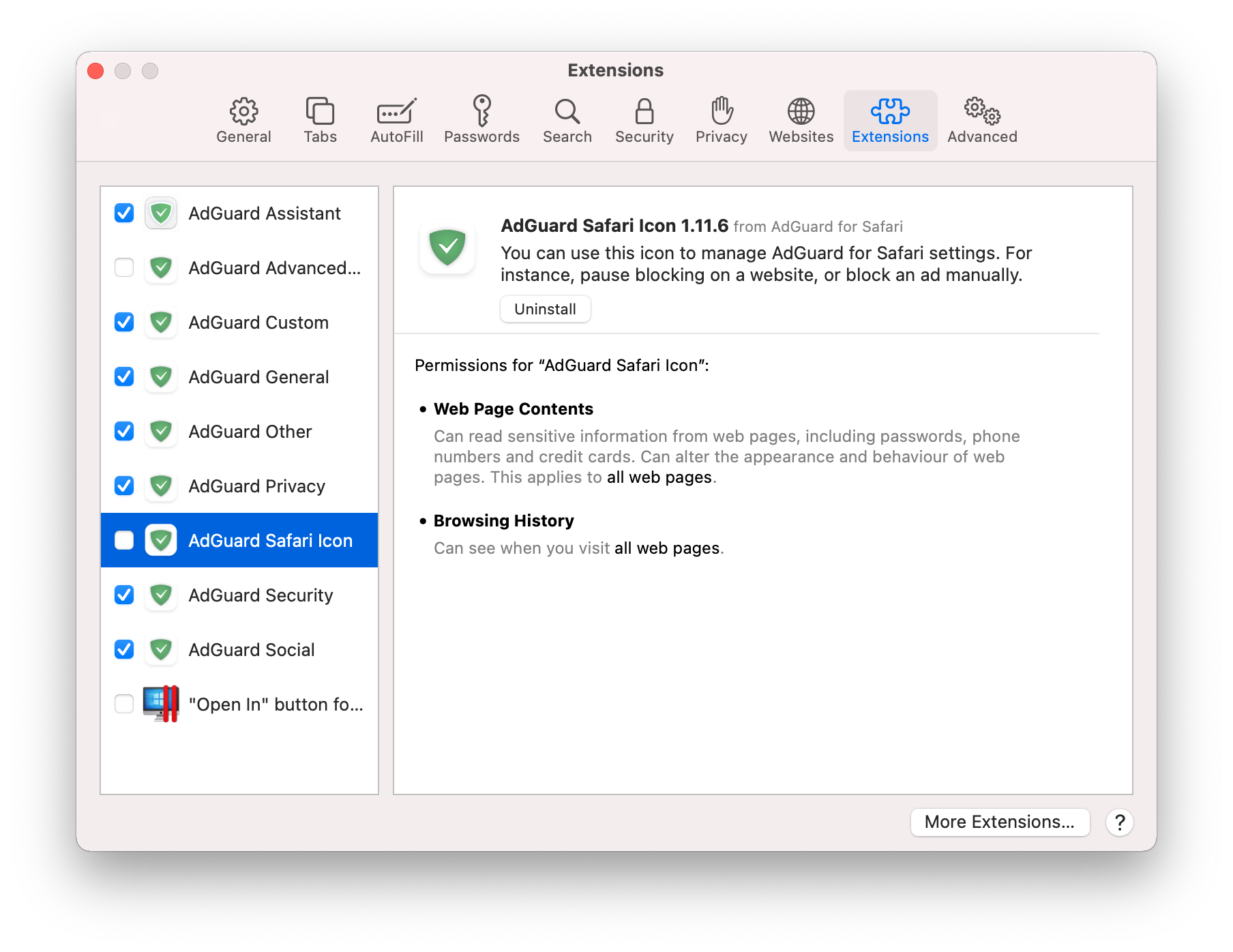
要设置用于 Safari 的 AdGuard,请在 Safari 设置中启用 AdGuard 扩展。
 注意
注意并非所有扩展都需要 AdGuard Safari 版才能正常运行。 For instance, checking the Icon extension enables the icon next to the search bar. 不过,我们建议启用所有功能。
-
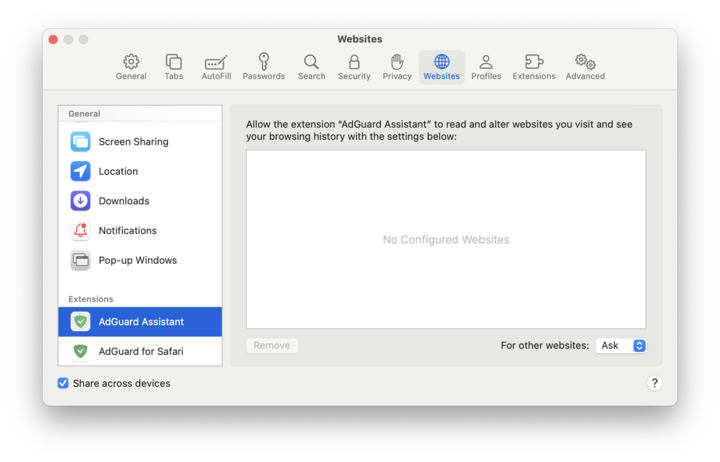
For AdGuard to work on websites, the Extensions setting in Safari must be enabled. Open Safari → Settings → Websites → Extensions. If you want to enable AdGuard on every website, set For other websites to Allow.
完成上述步骤后,适用于 Safari 的 AdGuard 将开始正常运行。现在可以开始配置扩展程序。
How to uninstall AdGuard for Safari
要卸载 Safari 版 AdGuard,请执行以下操作:
-
退出应用程序。
-
打开 Safari 首选项。
-
选择「扩展」选项卡。你会看到一个扩展名列表,AdGuard 有八个扩展名。
-
取消选中所有复选框,然后按「卸载」。
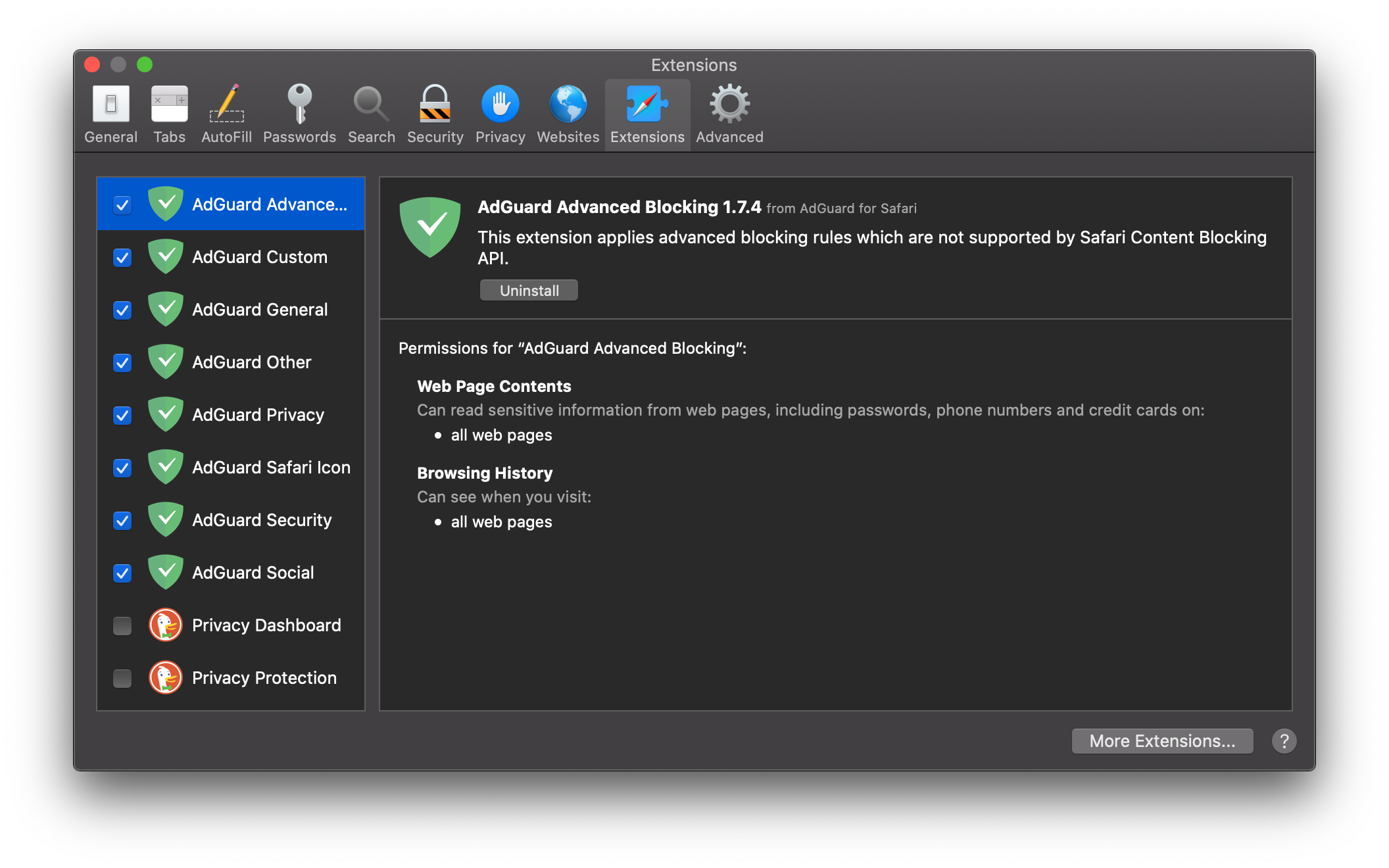
您将看到通知提示:
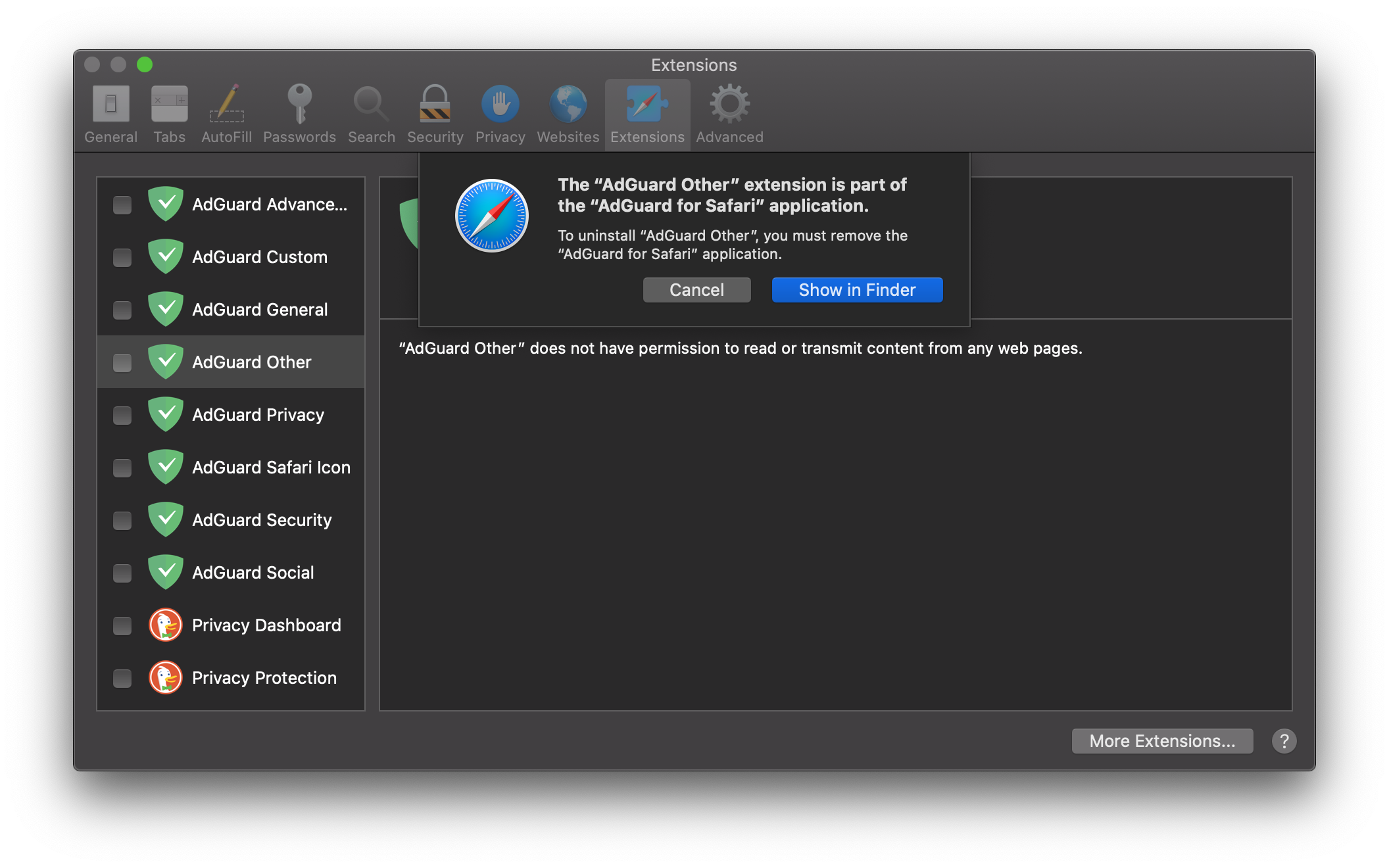
-
Press Show in Finder and move the application to the bin.
AdGuard Safari 版将从设备中删除。