统计
This article describes AdGuard for Windows v8.0, a comprehensive ad blocker that protects your device at the system level. This is a beta release that is still under development. To try it, download the beta version of AdGuard for Windows.
In Statistics, you see a complete picture of what is happening with the traffic on your computer: how many requests are being sent and to which companies, how much data is being uploaded and downloaded, what requests are being blocked. You can check statistics for various time frames: all time, the last 14 days, the last 7 days, the last 24 hours, and broken down by ads, trackers, or requests.
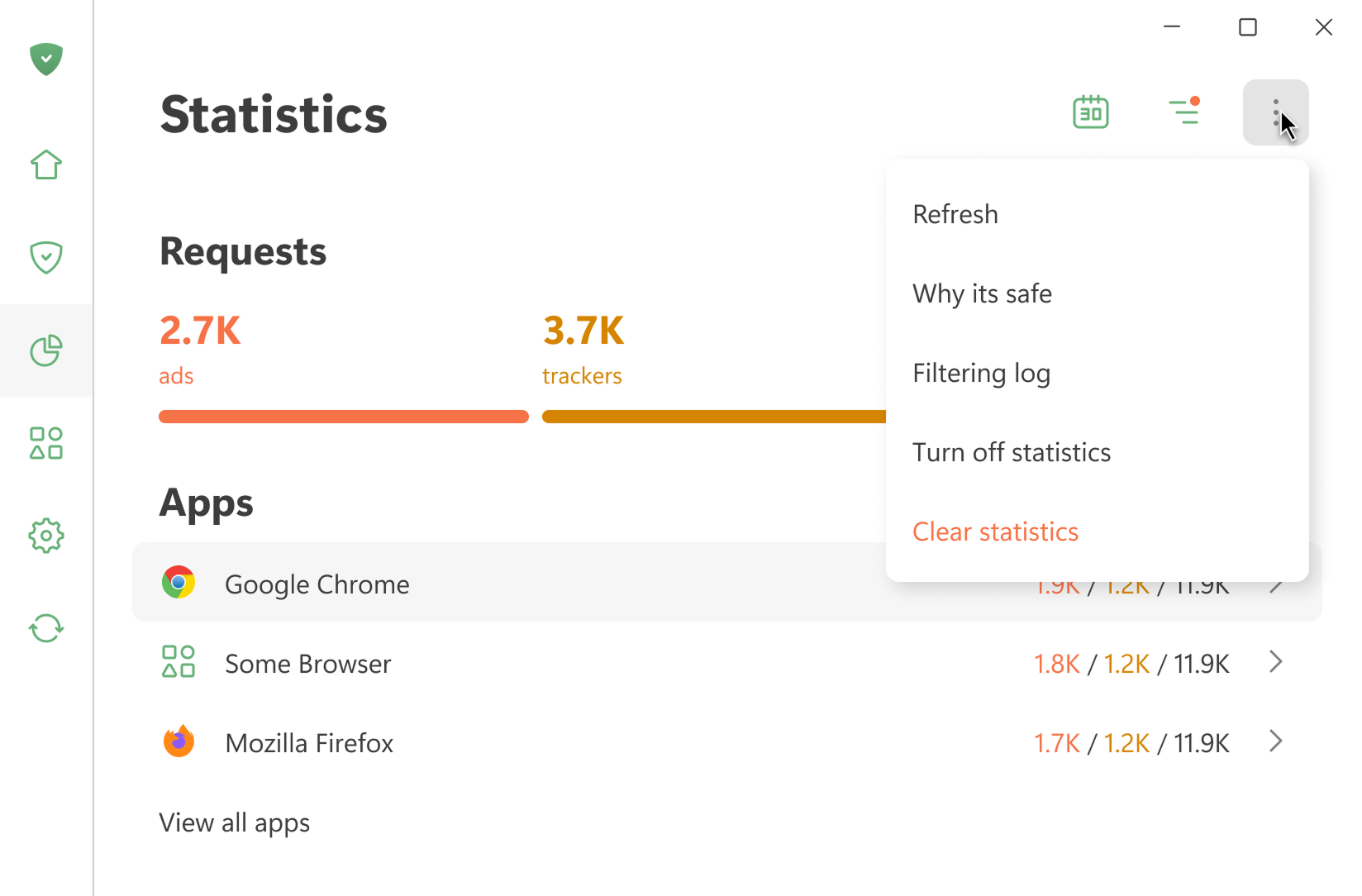
All statistics are stored locally on your device. We only calculate how much data is used — we don’t see what websites you visit. You can also turn off statistics if you don’t need them.
Open Filtering log shows the last 10,000 requests processed by AdGuard
应用程序
此部分显示您设备上安装的所有应用程序的统计信息。 用户可按已拦截的广告数量,已拦截的跟踪器数量或发送的请求数量排序应用。
If you click an app, you can see its full stats: the requests it sends and the domains and companies it reaches out to.
DNS
This section shows data about the requests handled by DNS protection. You can see the total number of requests sent and how many were blocked by AdGuard
公司
此部分显示设备联系过的公司。 这是什么意思?
AdGuard 检测设备发送请求所到的域名并判断它们属于哪些公司。 您可以在 GitHub 上查看公司数据库。
数据使用量
This section shows the amount of downloaded and uploaded data and saved traffic.