Ad blocking
This article describes AdGuard for Windows v8.0, a comprehensive ad blocker that protects your device at the system level. This is a beta release that is still under development. To try it, download the beta version of AdGuard for Windows.
The Ad blocking section is responsible for removing ads from the websites you visit and from the apps installed on your device. To filter banners, popups, trackers, and other intrusive elements, AdGuard relies on filters — sets of rules written in a special syntax. If you’d like to learn more about how they work, read our article about filters.
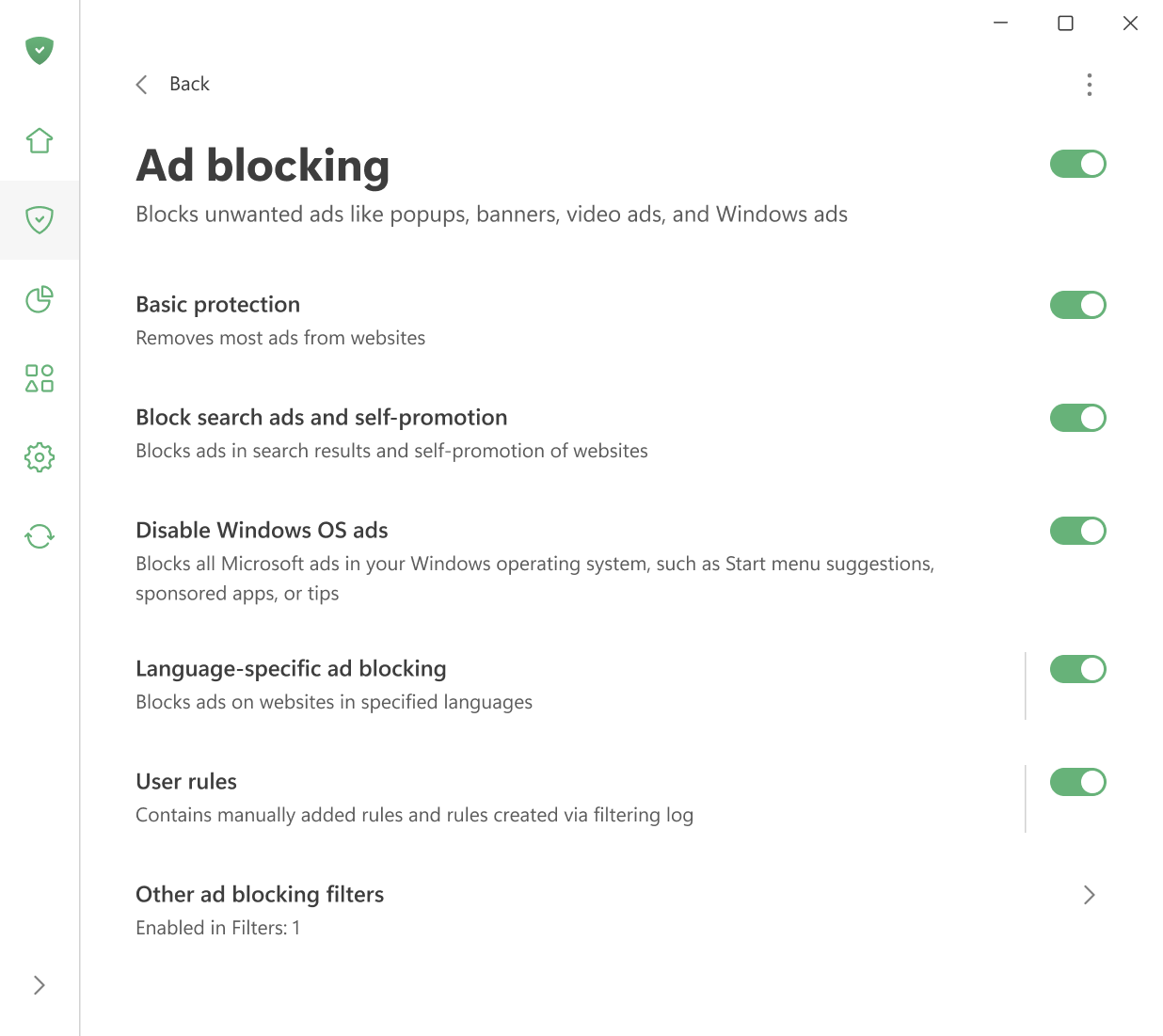
用户可以查看以下信息:
- enable basic protection,
- block search ads and self-promotion,
- 禁用 Windows 11 开始菜单中的广告。
- enable automatic activation of language-specific filters
- manage user rules.
You can also open the Filtering log to view all requests made by browsers and apps on your computer. From there, it’s easy to block or unblock any request by creating a custom rule. In the Filter editor, you can create, add, and import your own rules and filters.