Como ativar
Para ativar sua licença, vá para a seção Licença do seu produto AdGuard e procure o campo Log in ou o botão Ativar. Use o e-mail e a senha da sua conta do AdGuard para fazer login. If you don’t have an account yet, you will be offered to create one.
Para ativar uma licença através da conta AdGuard, é necessária uma licença válida com pelo menos um slot livre. Se sua licença já estiver sendo usada em um número máximo de dispositivos, você pode fazer upgrade ou transferí-la de um dispositivo para outro.
Alternatively, you can use a license key (activation code) to activate the license.
Abaixo, você pode conferir as instruções do passo a passo de ativação para cada plataforma.
Ativando o AdGuard para Windows
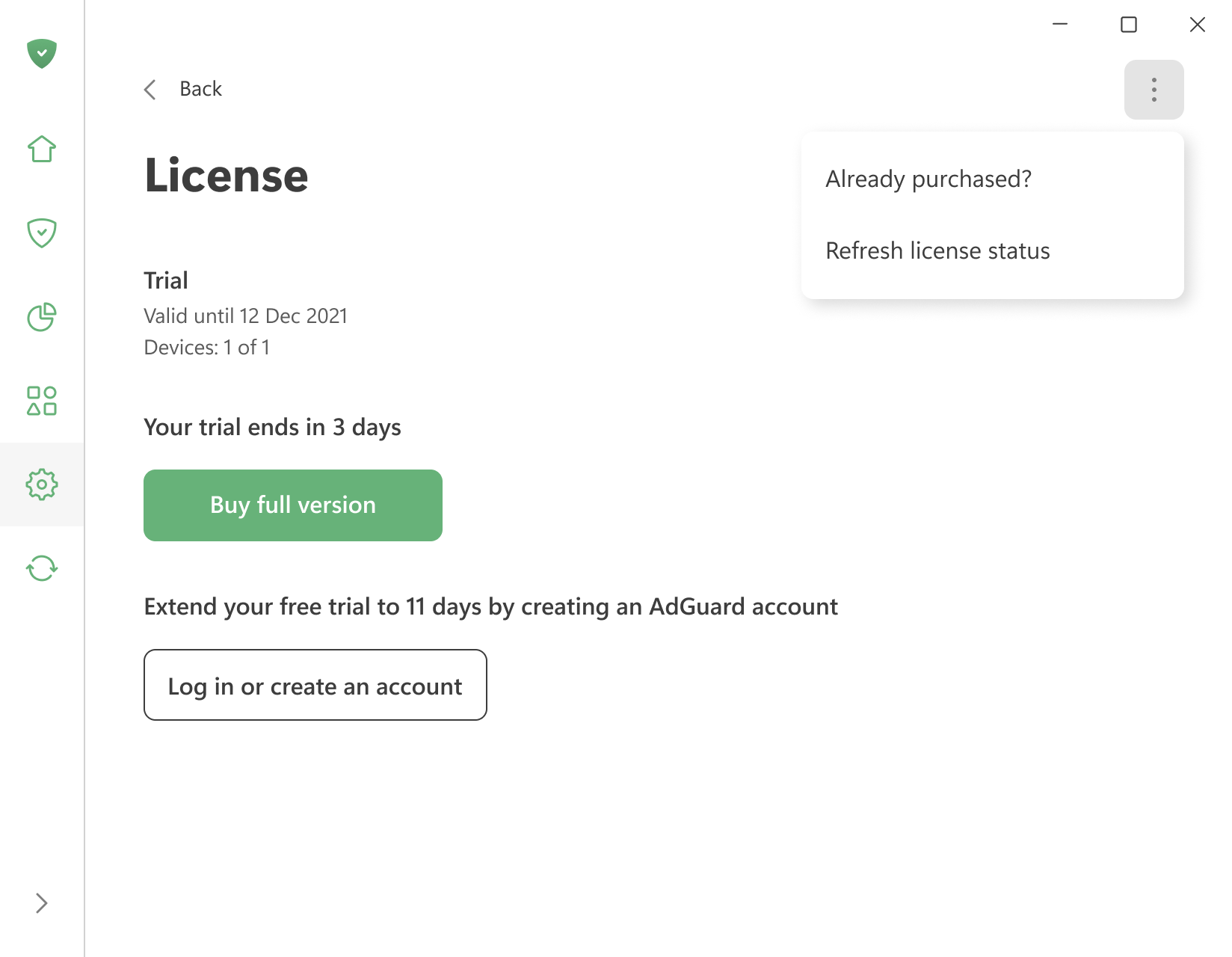
To activate a license you already have, open the menu (⋮) in the upper right corner of the License screen and click Already purchased?.
You can also click Already purchased? on the trial-expiration screen the app shows when the trial ends.
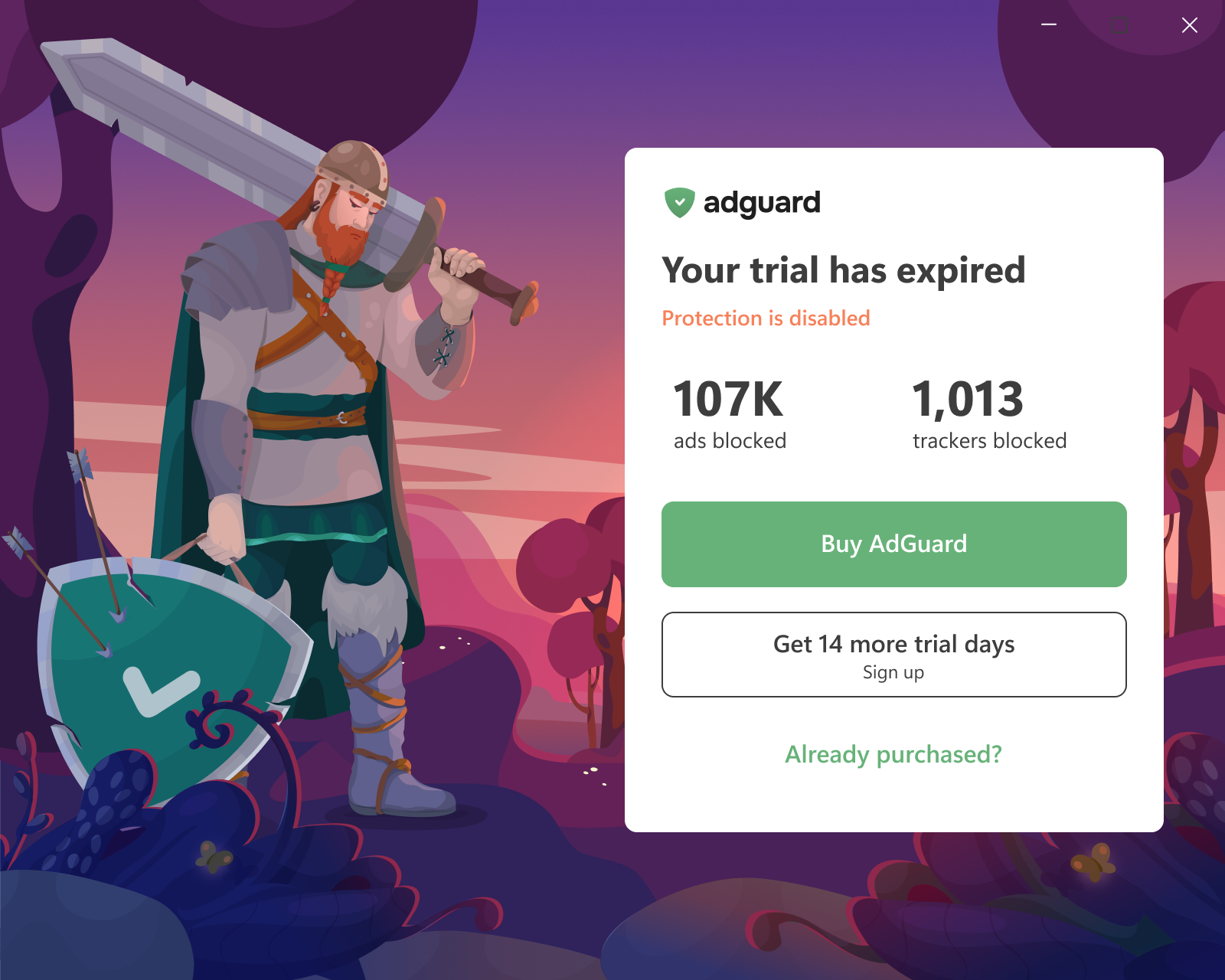
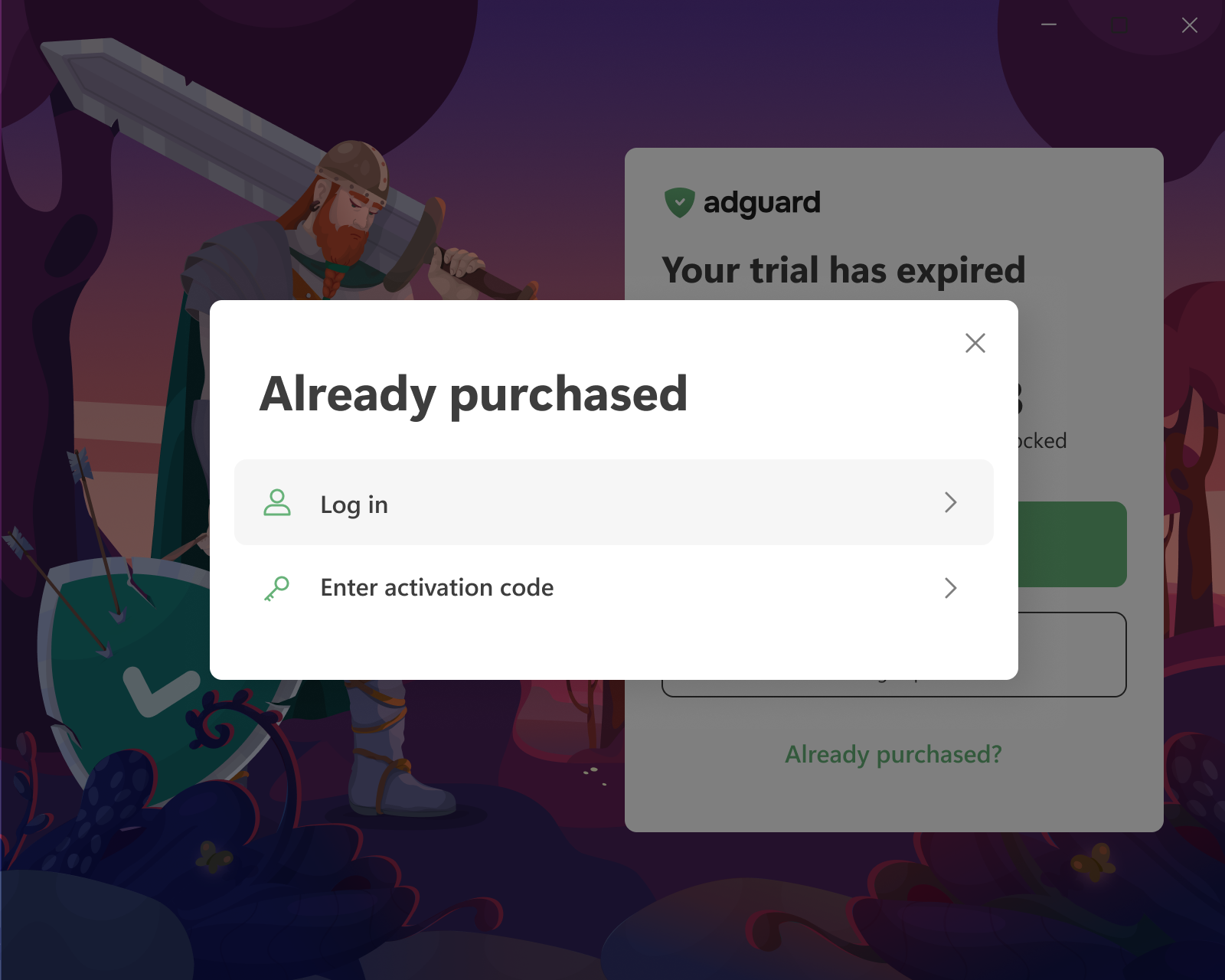
Then choose one of the two options:
-
Log in — you will be redirected to your browser. Log in to your AdGuard account or sign up there. If the account has a valid license with a free device slot, it is applied to the app automatically.
If the browser tab was closed or the app didn’t pick up the license, click Reopen login page or use Refresh license status in the same menu (⋮).
-
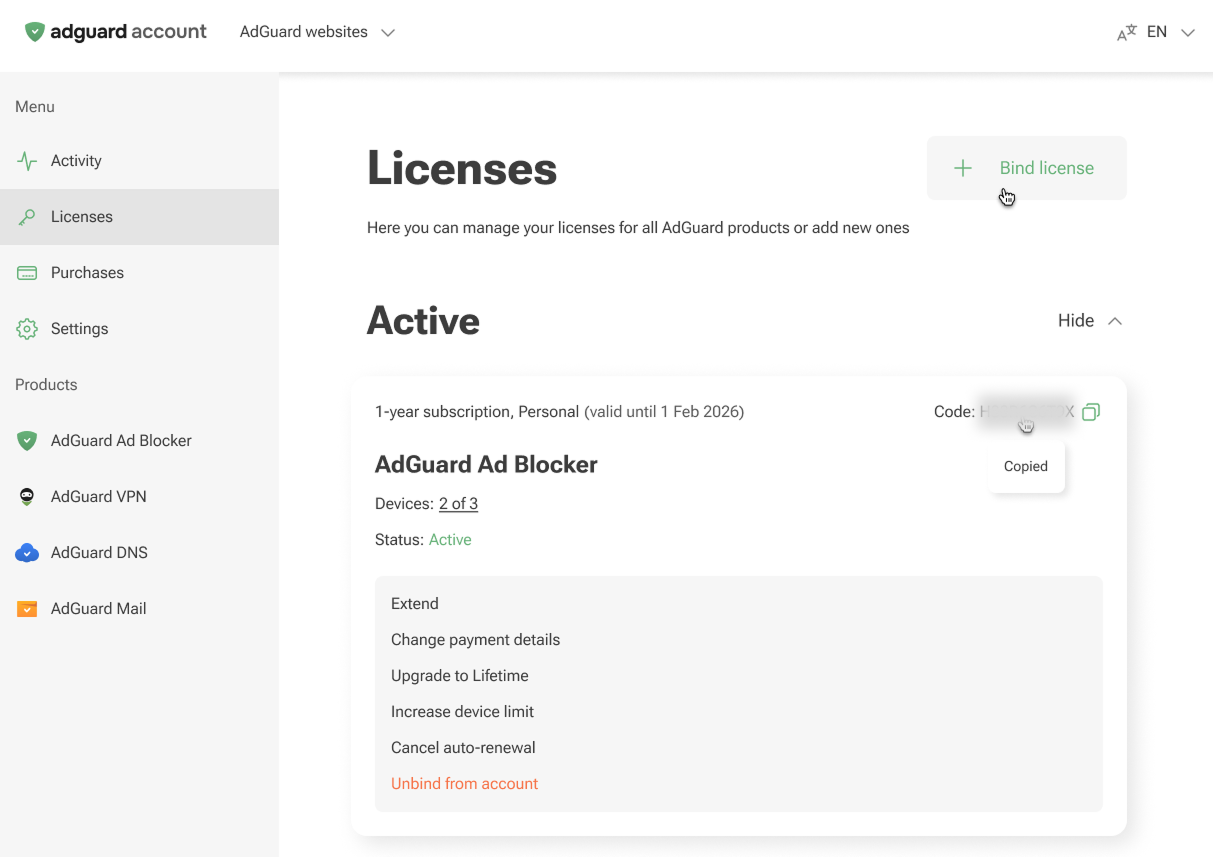
Enter activation code — enter the code from the purchase email or from a reseller. The code is also available in your AdGuard account and on the License screen of another device where AdGuard is already activated.
Proíbe o Google Chrome de enviar sua versão e informações de modificação com solicitações para domínios do Google (incluindo Double Click e Google Analytics).
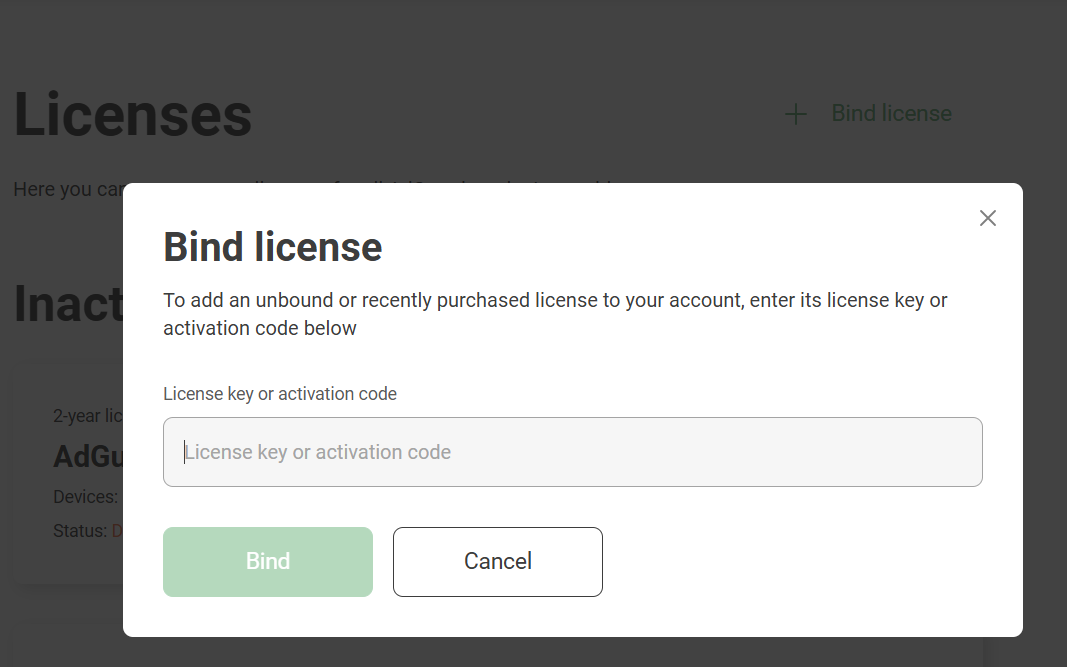
Log in only works if the license is already in your AdGuard account. If you have an activation code that isn’t bound to your account yet, bind it first: open the Licenses tab of your account, click Bind license, enter the key, and click Bind.
:::
Ativando o AdGuard para Mac
-
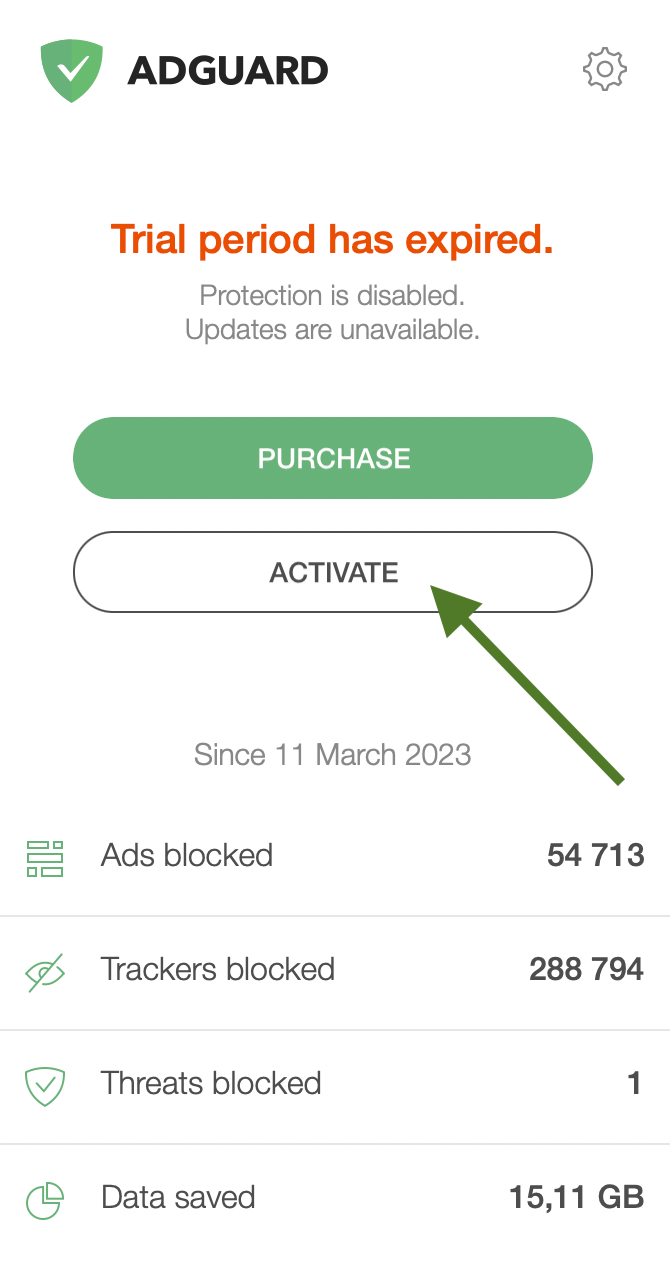
Na tela de licença expirada, clique em Ativar.
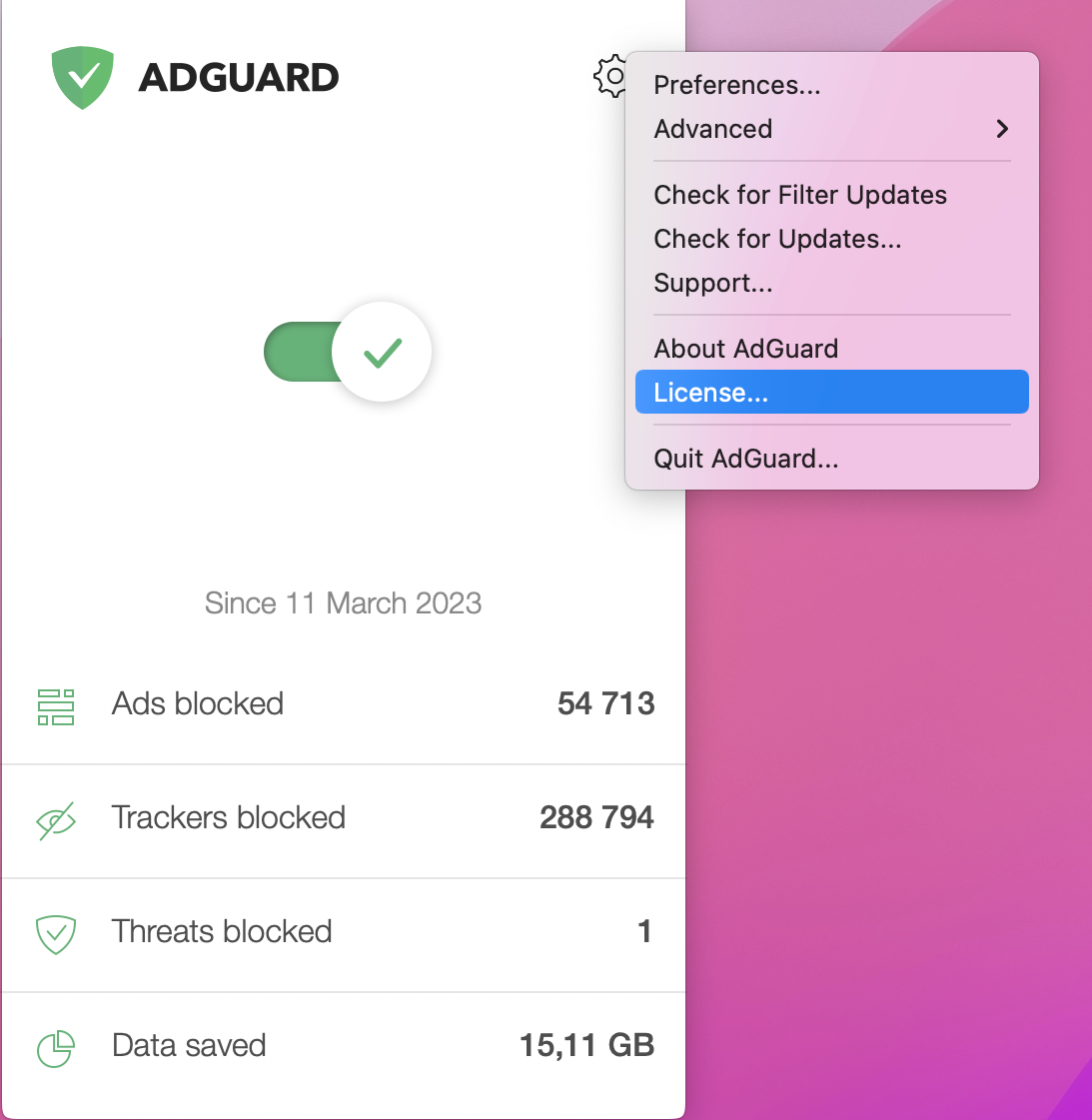
Alternatively, click the gear icon in the AdGuard menu, then click License.
-
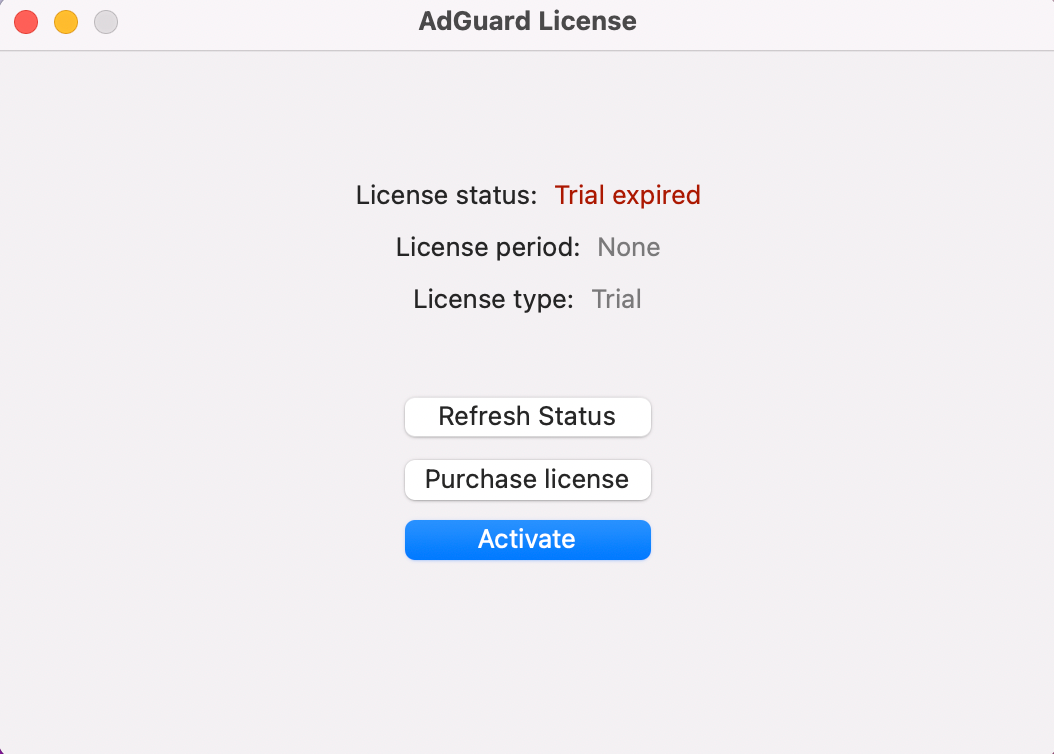
In the opened window, click Activate.
-
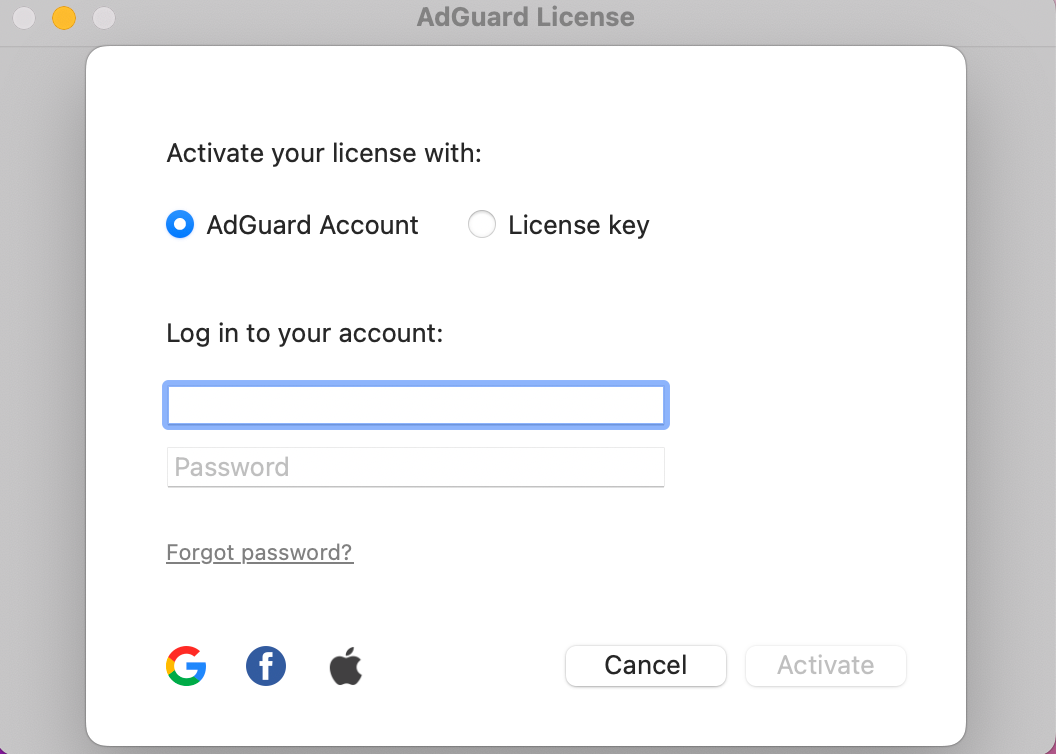
Activate your license using your preferred method. If the license is bound to your email address, click AdGuard Account or select a social network associated with this email address. Alternatively, enter your license key.
Ativando o AdGuard para Android
-
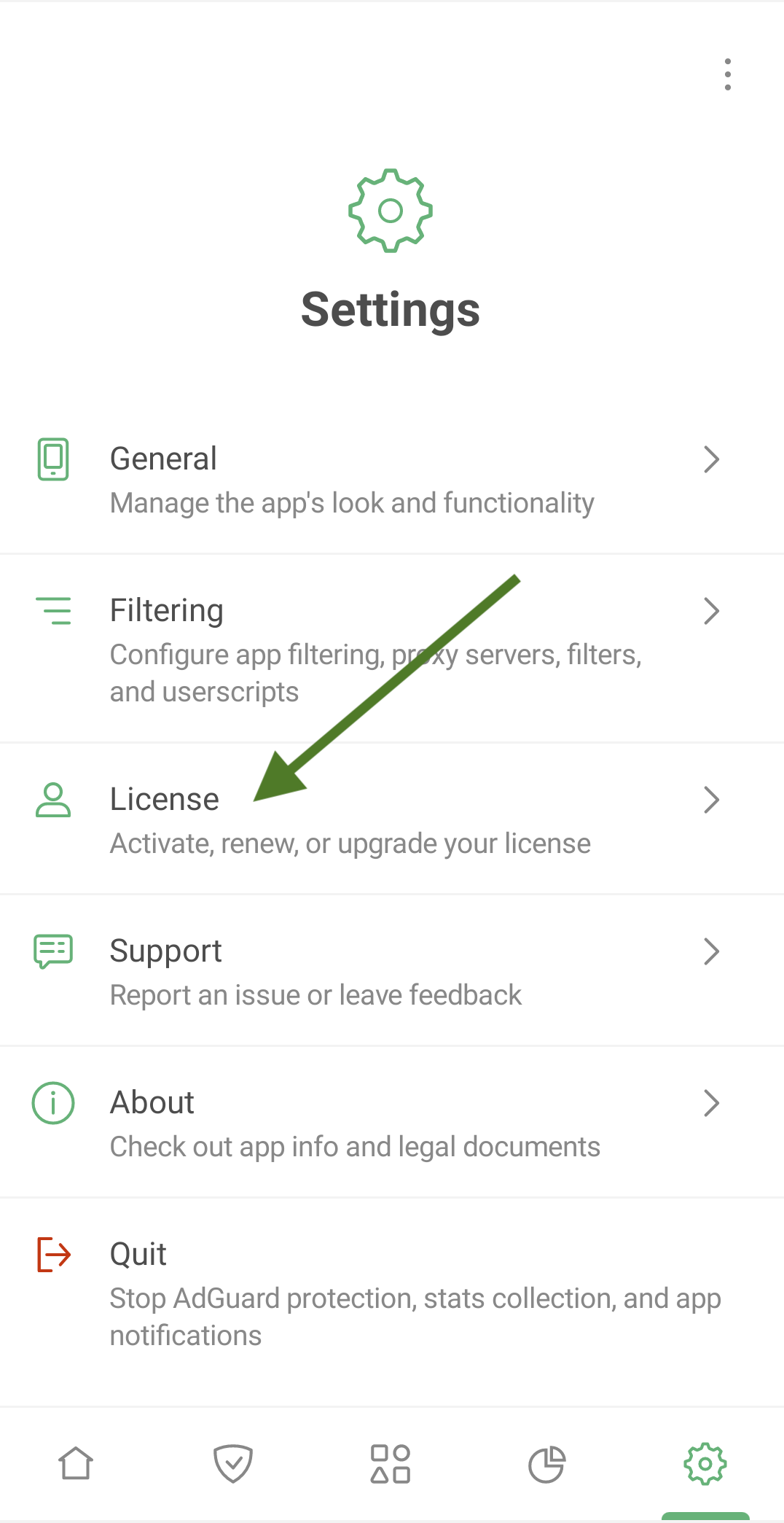
Tap Settings, then select License.
-
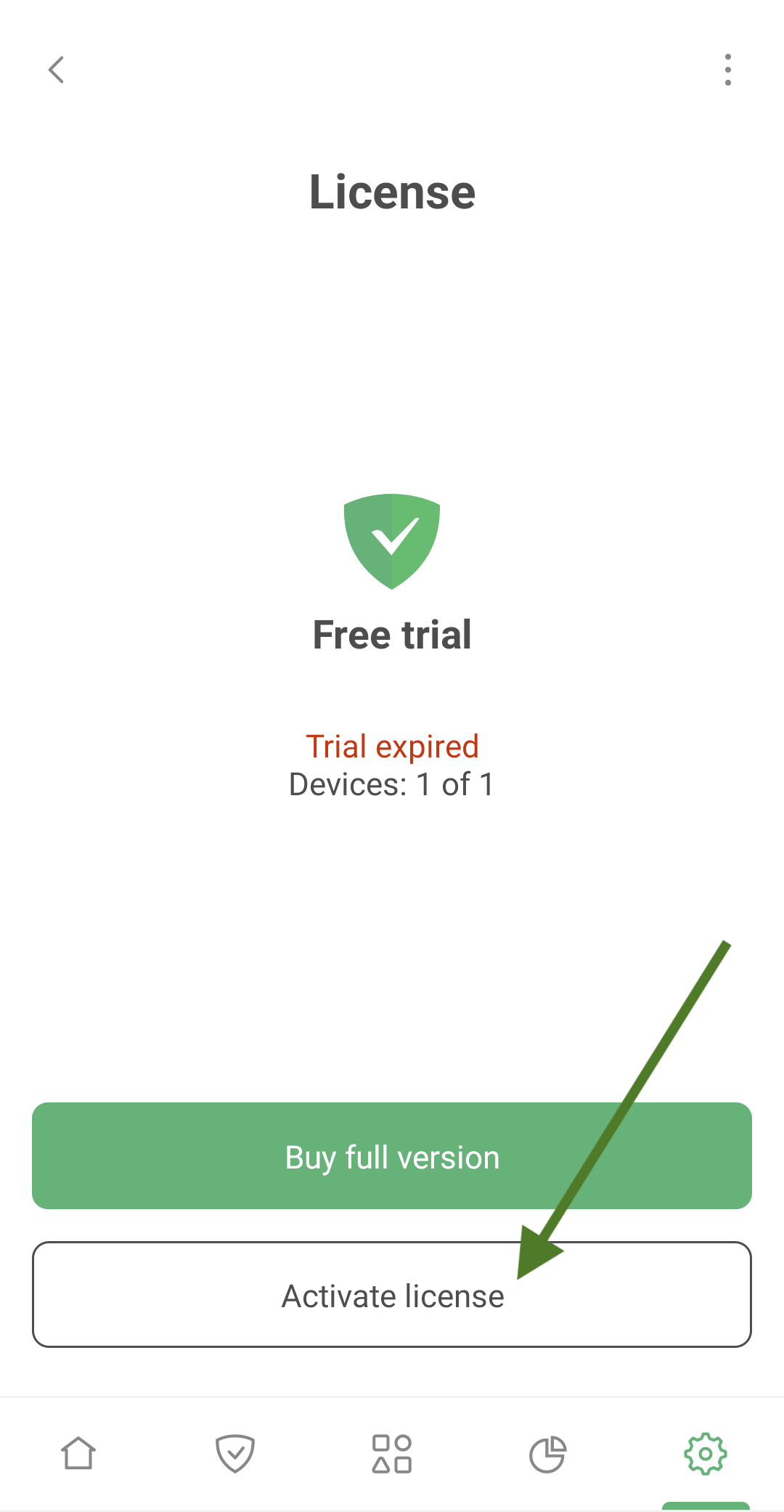
Tap Activate license.
-
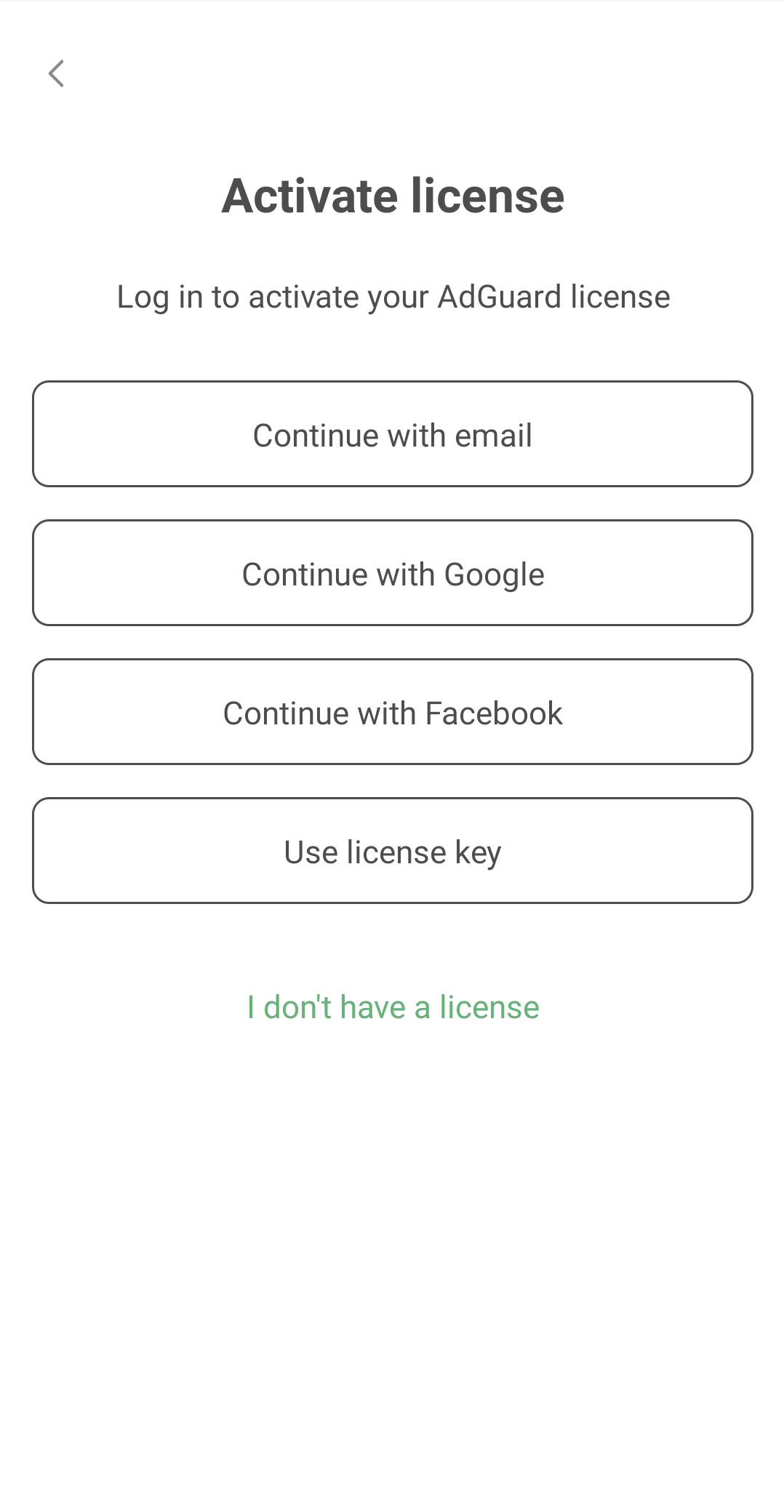
Activate your license using your preferred method. If the license is bound to your email address, tap Continue with email or select a social network associated with this email address. Alternatively, enter your license key.
Ativando o AdGuard para iOS
-
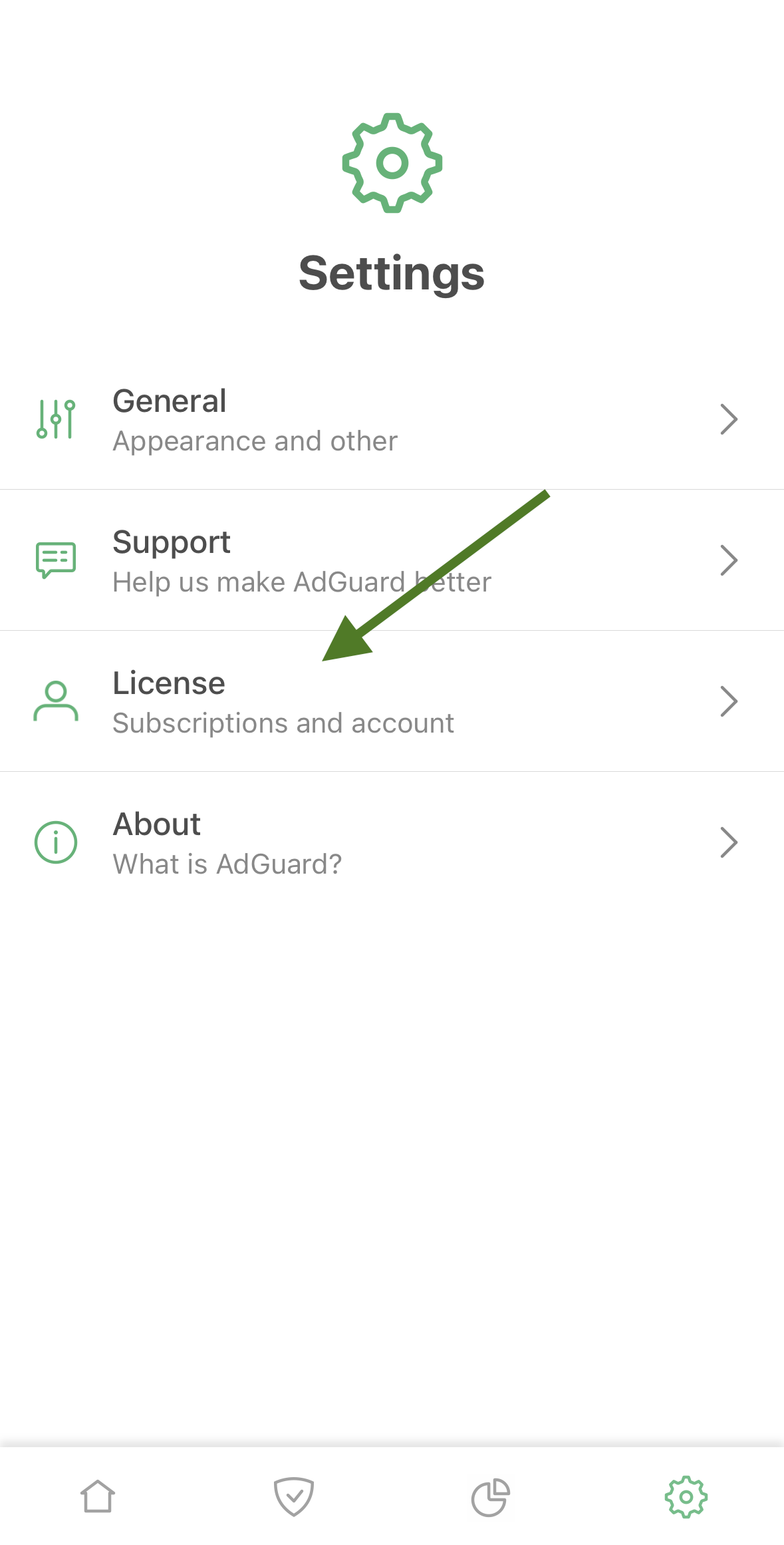
Tap Settings, then select License.
-
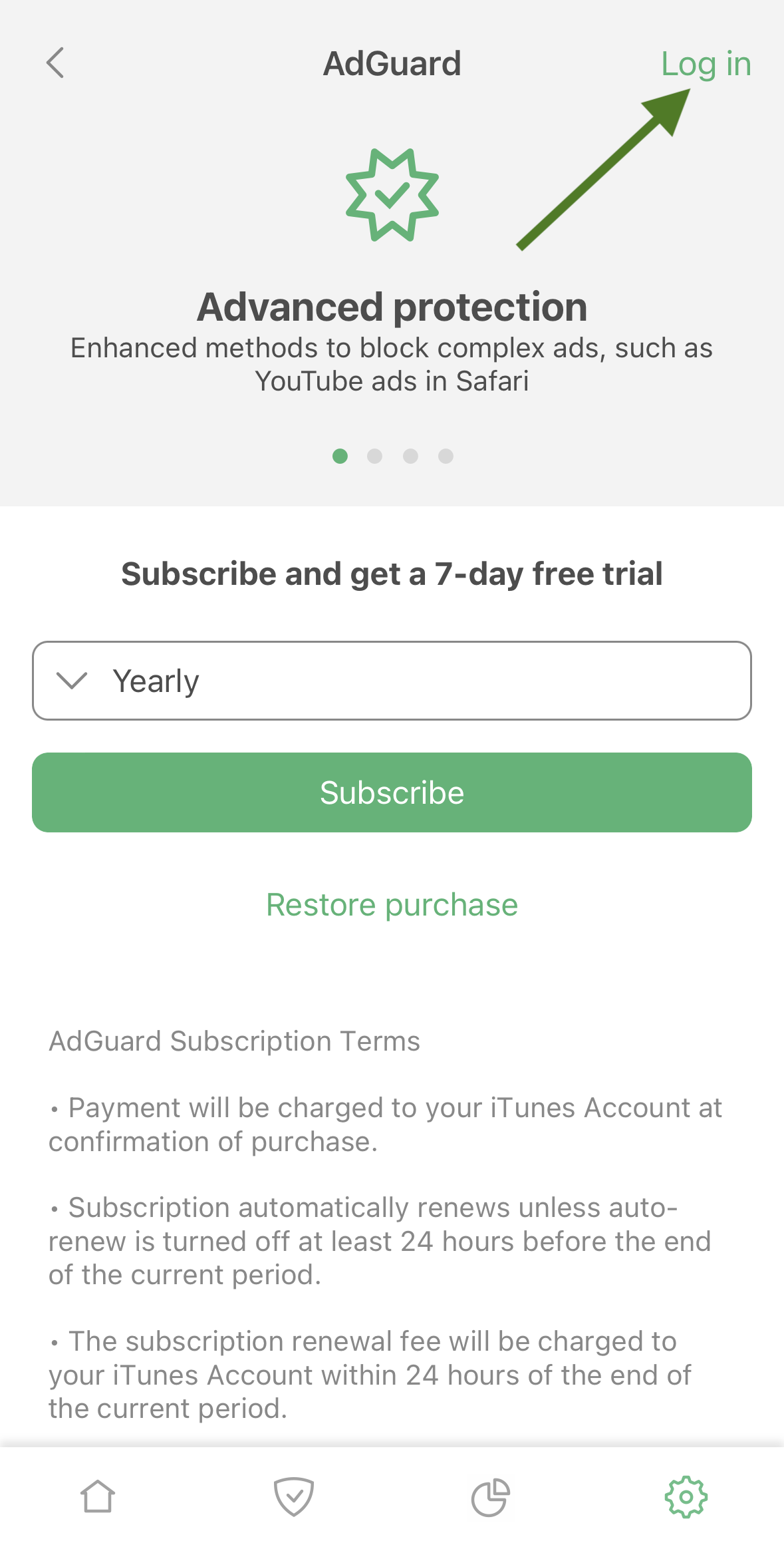
Tap Log in in the upper right corner of the screen
-
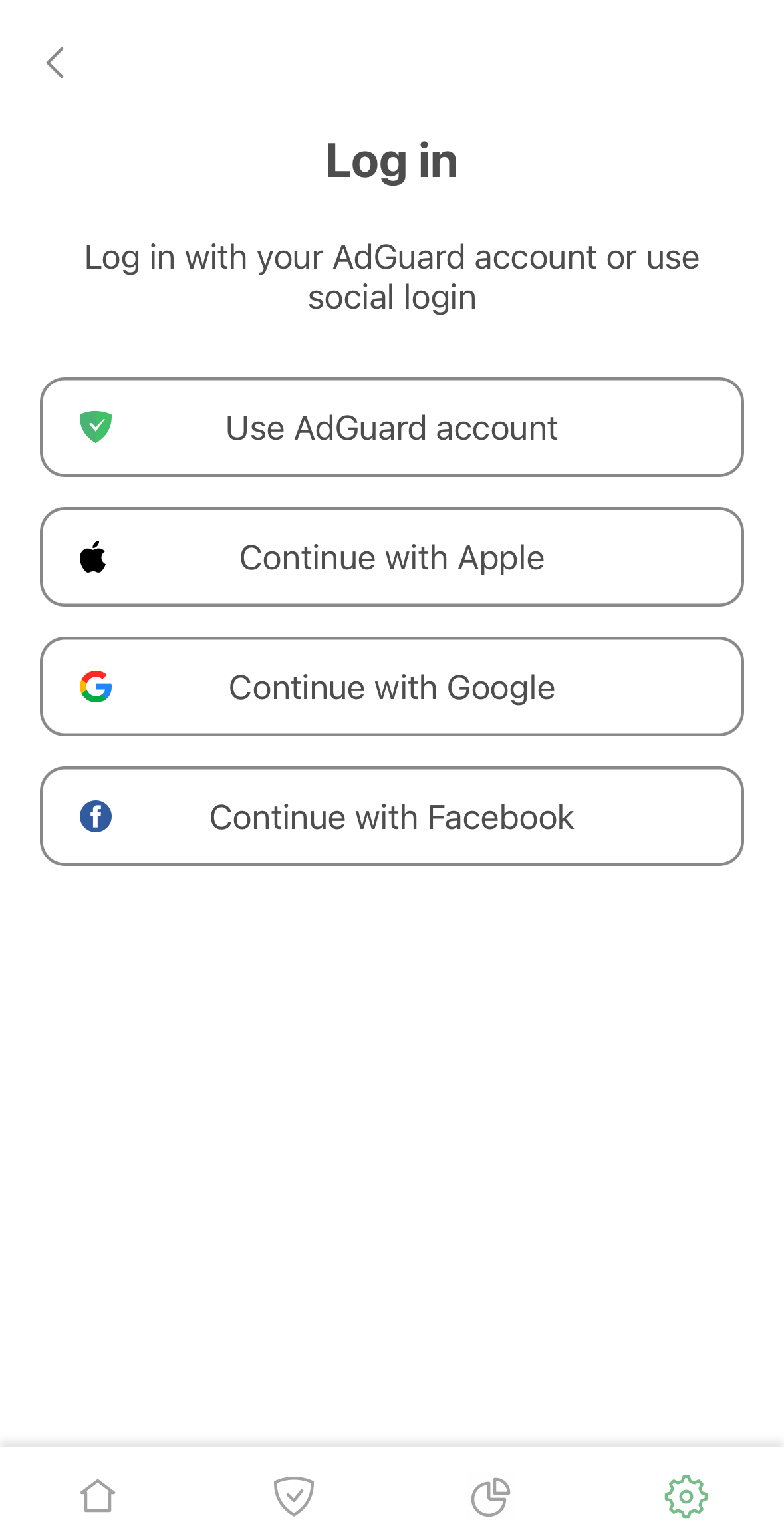
Use your email address or social media account to activate your license.
Activating AdGuard Mini for Mac
-
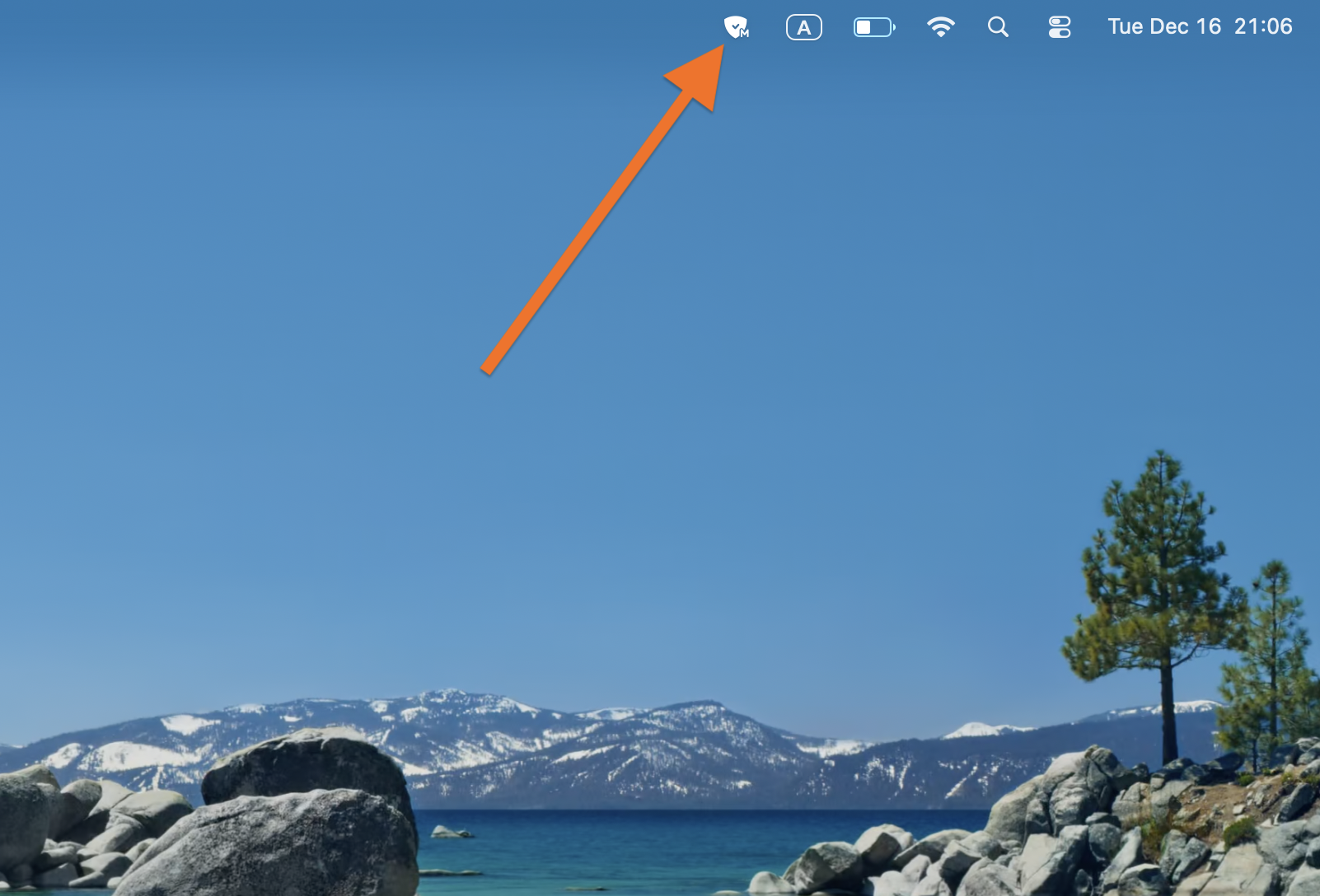
Click AdGuard Mini icon in the menu bar.
-
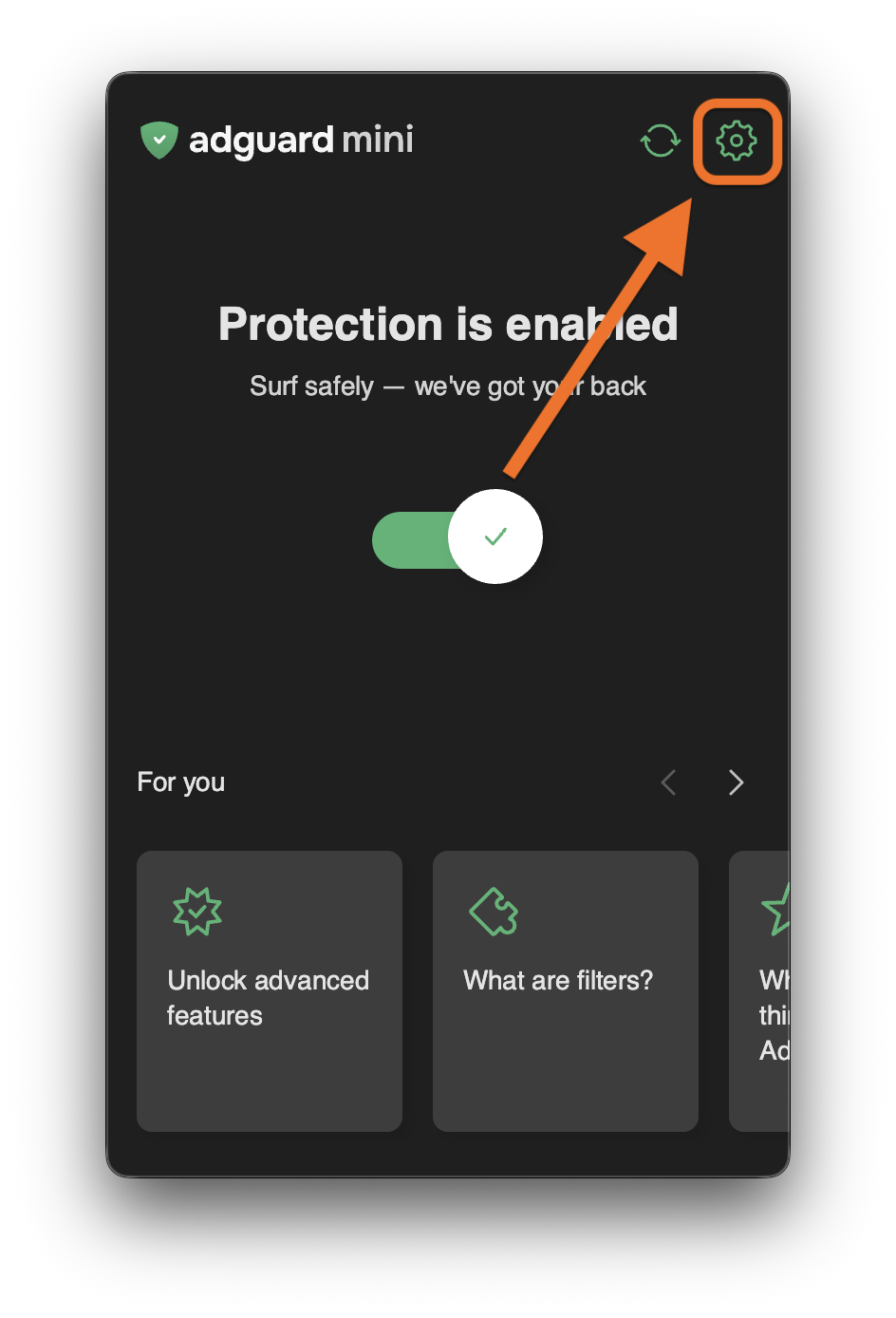
Click the settings icon.
-
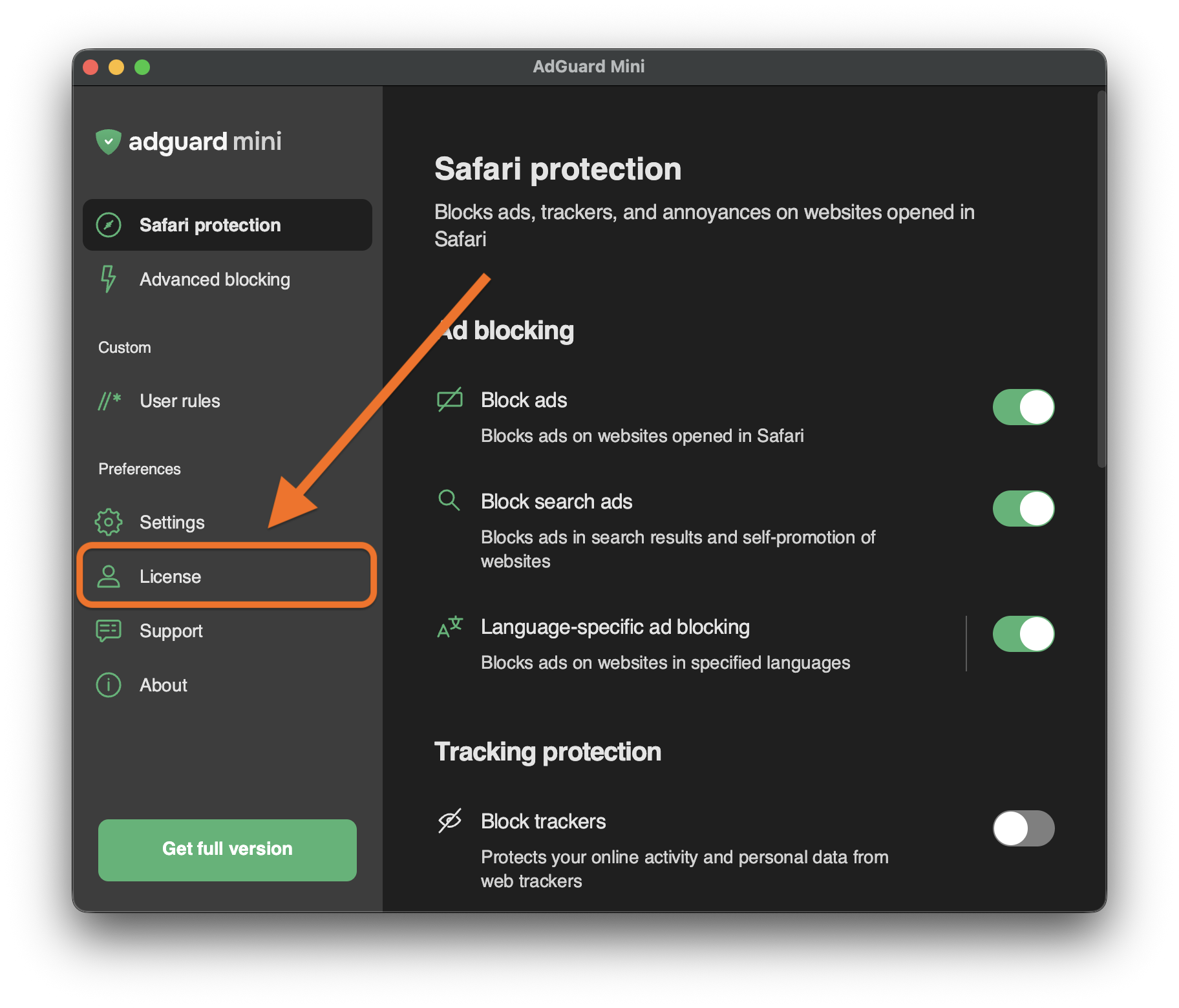
Go to License.
-
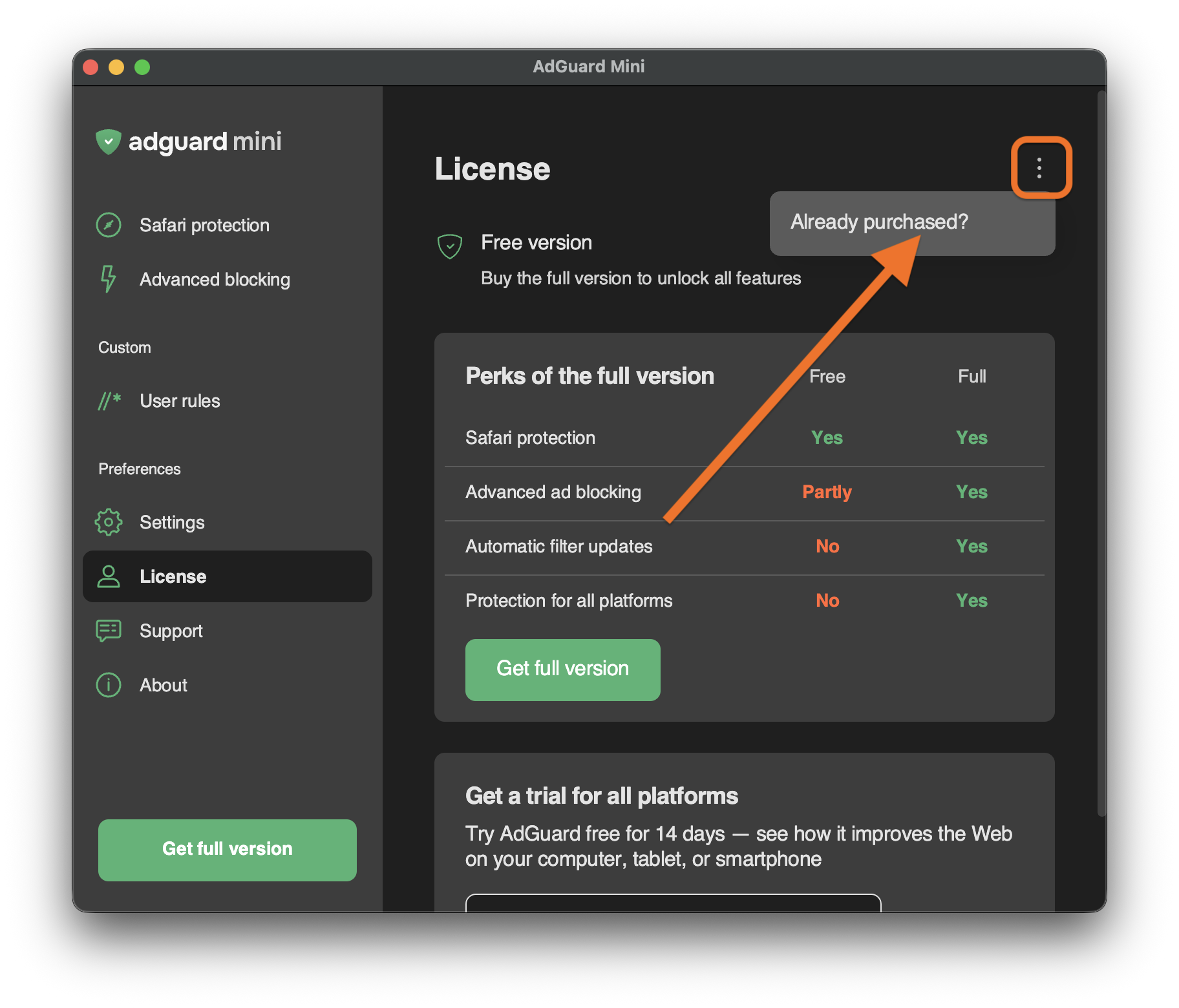
Open the menu (⋮) in the upper right corner and click Already purchased?.
-
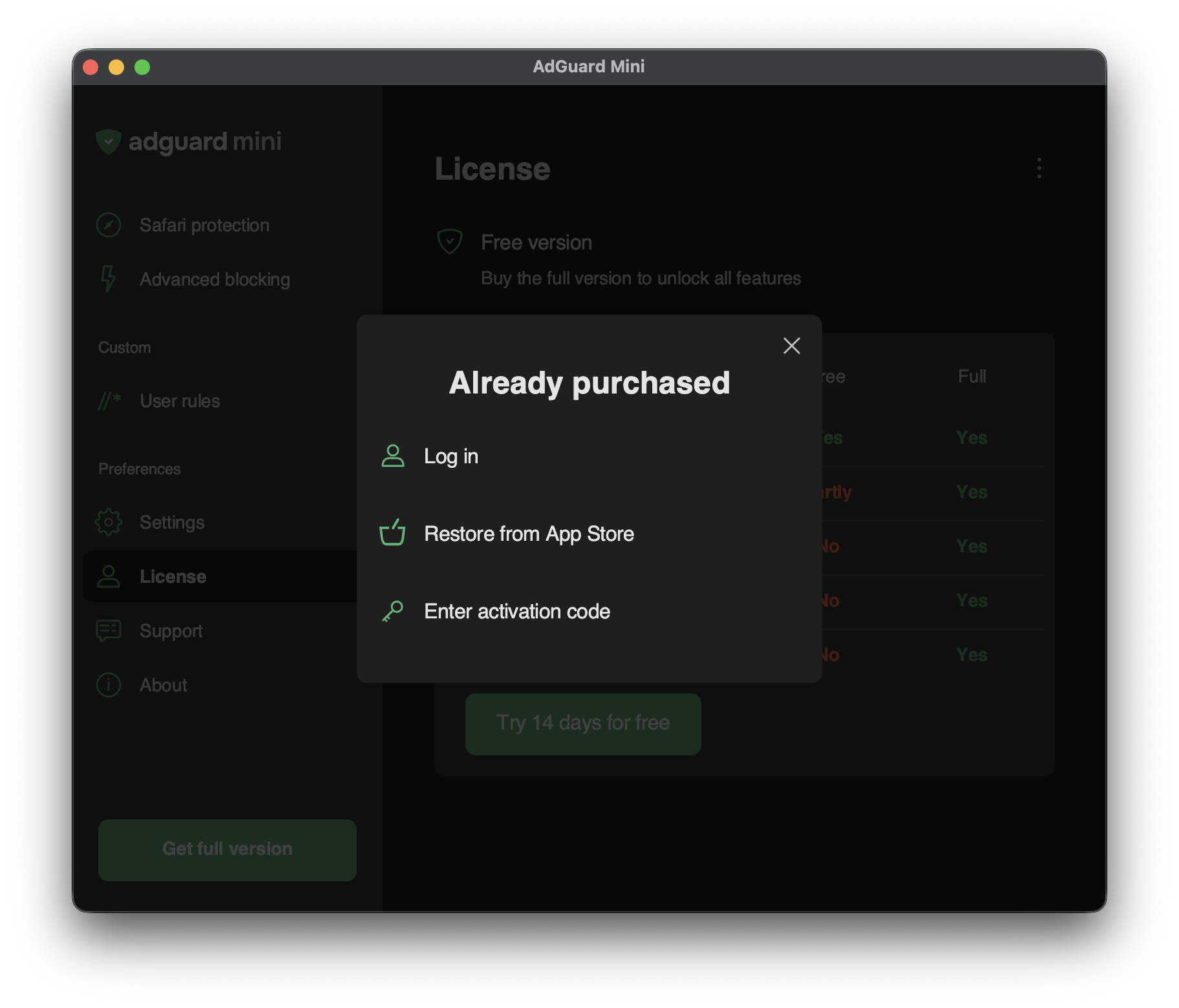
You will see the available activation options:
-
Log in
Log in to your AdGuard account that has a valid license in it.
-
Restore from App Store
Use a license that you have previously bought through the App Store.
-
Enter activation code
Enter your activation code.
-