Estatísticas
This article describes AdGuard for Windows v8.0, a comprehensive ad blocker that protects your device at the system level. This is a beta release that is still under development. To try it, download the beta version of AdGuard for Windows.
In Statistics, you see a complete picture of what is happening with the traffic on your computer: how many requests are being sent and to which companies, how much data is being uploaded and downloaded, what requests are being blocked. You can check statistics for various time frames: all time, the last 14 days, the last 7 days, the last 24 hours, and broken down by ads, trackers, or requests.
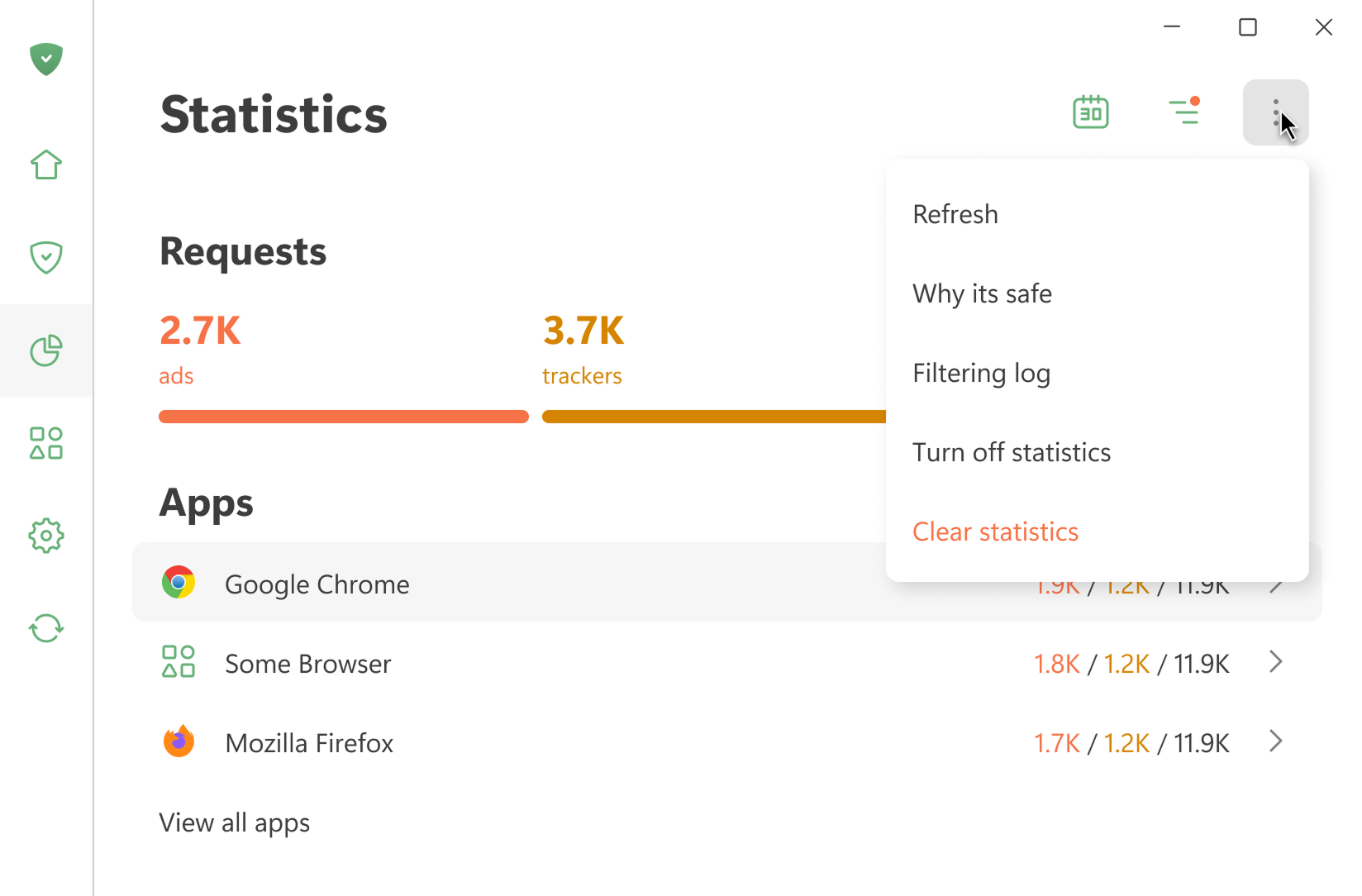
All statistics are stored locally on your device. We only calculate how much data is used — we don’t see what websites you visit. You can also turn off statistics if you don’t need them.
Open Filtering log shows the last 10,000 requests processed by AdGuard
Aplicativos
Esta seção exibe estatísticas de todos os aplicativos instalados no seu dispositivo. Você pode classificar os aplicativos pelo número de anúncios ou rastreadores bloqueados ou pelo número de solicitações enviadas.
If you click an app, you can see its full stats: the requests it sends and the domains and companies it reaches out to.
DNS
This section shows data about the requests handled by DNS protection. You can see the total number of requests sent and how many were blocked by AdGuard
Empresas
Esta seção exibe empresas que seu dispositivo alcança. O que isso significa?
O AdGuard detecta os domínios para os quais seu dispositivo envia solicitações e determina a quais empresas eles pertencem. Um banco de dados de empresas pode ser encontrado no GitHub.
Uso de dados
This section shows the amount of downloaded and uploaded data and saved traffic.