광고 차단
info
이 글은 시스템 수준에서 기기를 보호하는 광고 차단기인 Android용 AdGuard에 관한 내용입니다. 작동 방식을 확인하려면 AdGuard 앱을 다운로드하세요.
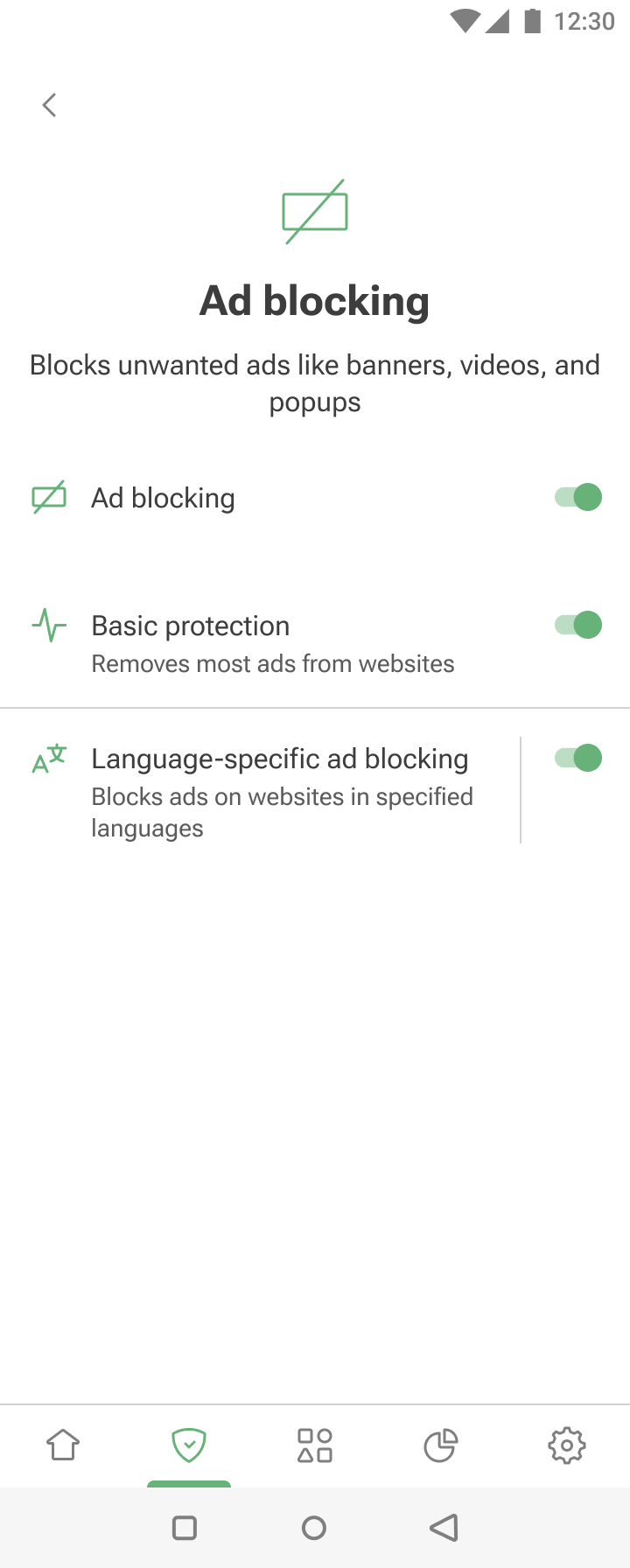
The Ad blocking module can be accessed by tapping the Protection tab (second-left icon at the bottom of the screen) and then selecting Ad blocking.
The feature removes ads by applying ad-blocking and language-specific filters. To learn about the mechanism of ad blocking, you can read a dedicated article.
Basic protection effectively blocks ads on most websites. For more customized ad blocking, you can enable Language-specific ad blocking — it contains filtering rules for websites in specific languages.