Blocco inserzioni
Questo articolo riguarda AdGuard per Android, un blocca-inserzioni multifunzionale che protegge il tuo dispositivo a livello di sistema. Per vedere come funziona, scarica l'app di AdGuard
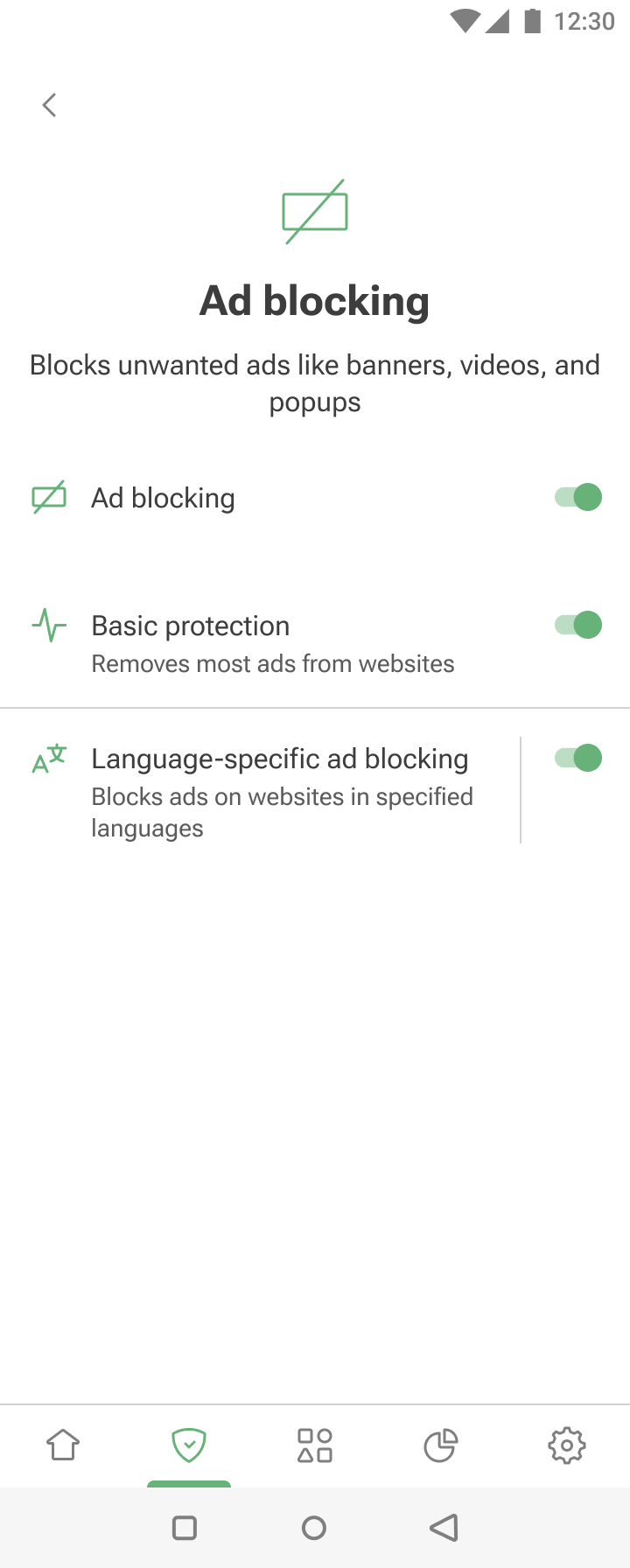
The Ad blocking module can be accessed by tapping the Protection tab (second-left icon at the bottom of the screen) and then selecting Ad blocking.
The feature removes ads by applying ad-blocking and language-specific filters. To learn about the mechanism of ad blocking, you can read a dedicated article.
La Protezione di base blocca efficacemente gli annunci sulla maggior parte dei siti web. Per un blocco degli annunci più personalizzato, puoi abilitare il Blocco degli annunci specifico per lingua: contiene regole di filtraggio per i siti web in lingue specifiche.