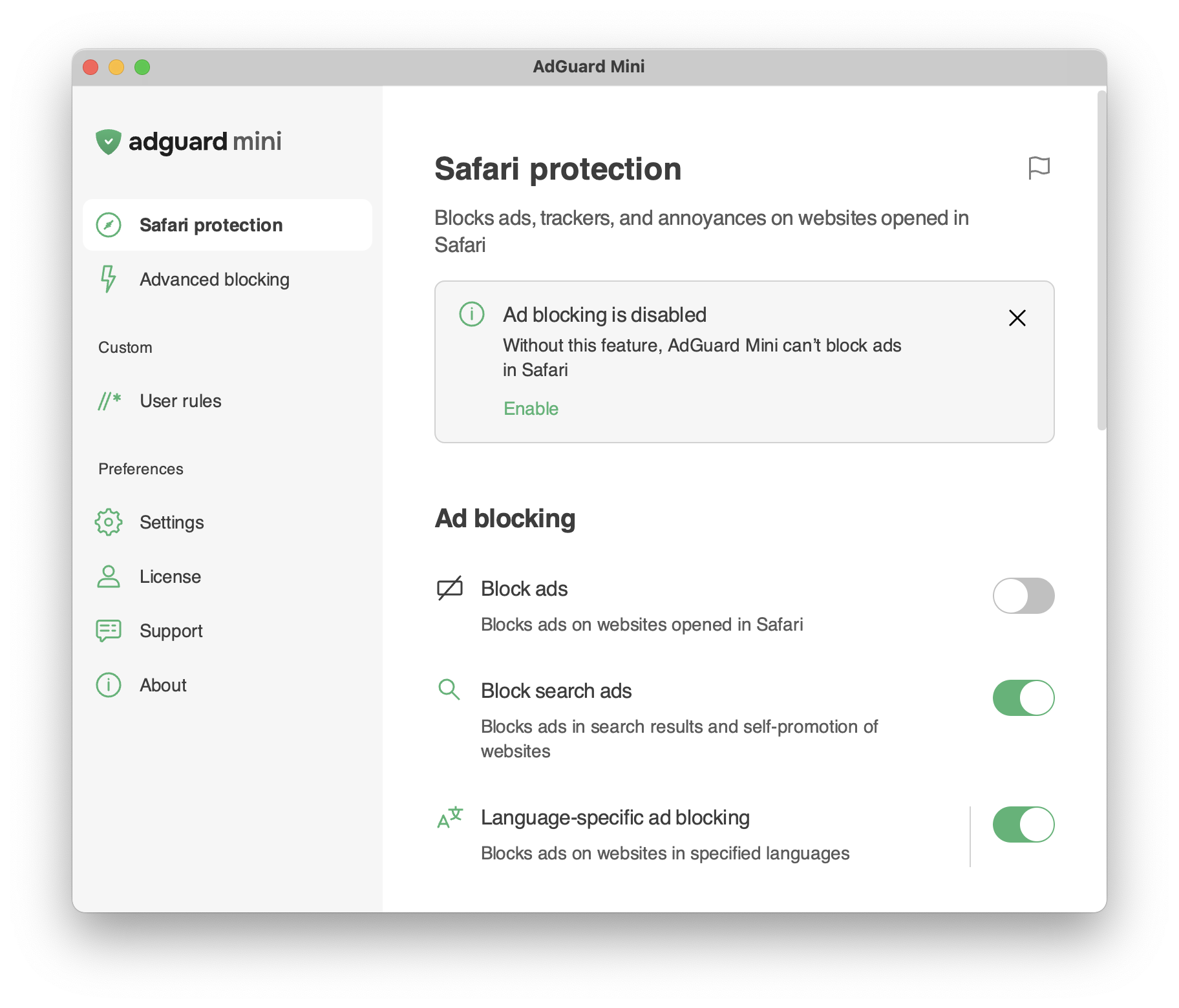
Ochrana Safari
informace
Tento článek je o AdGuardu Mini pro Mac, který chrání pouze váš prohlížeč Safari. Chcete-li zcela ochránit svůj Mac, stáhněte si aplikaci AdGuard
Ochrana Safari
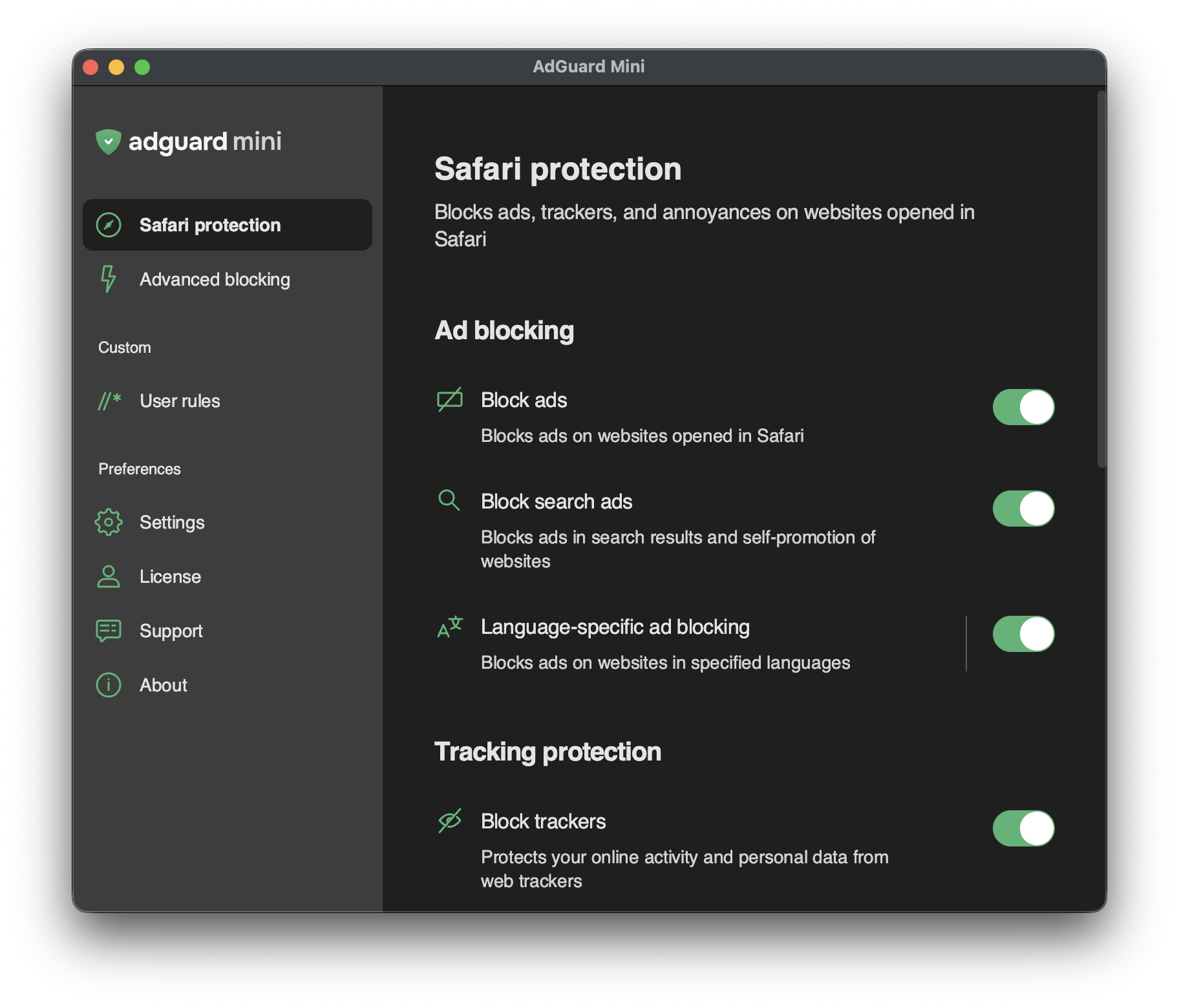
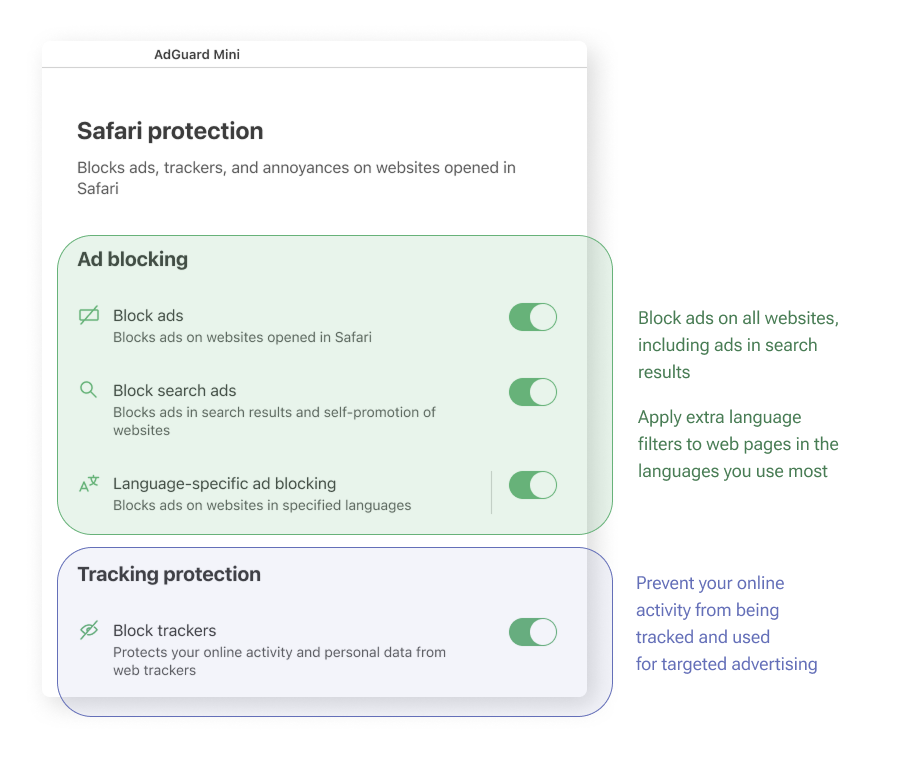
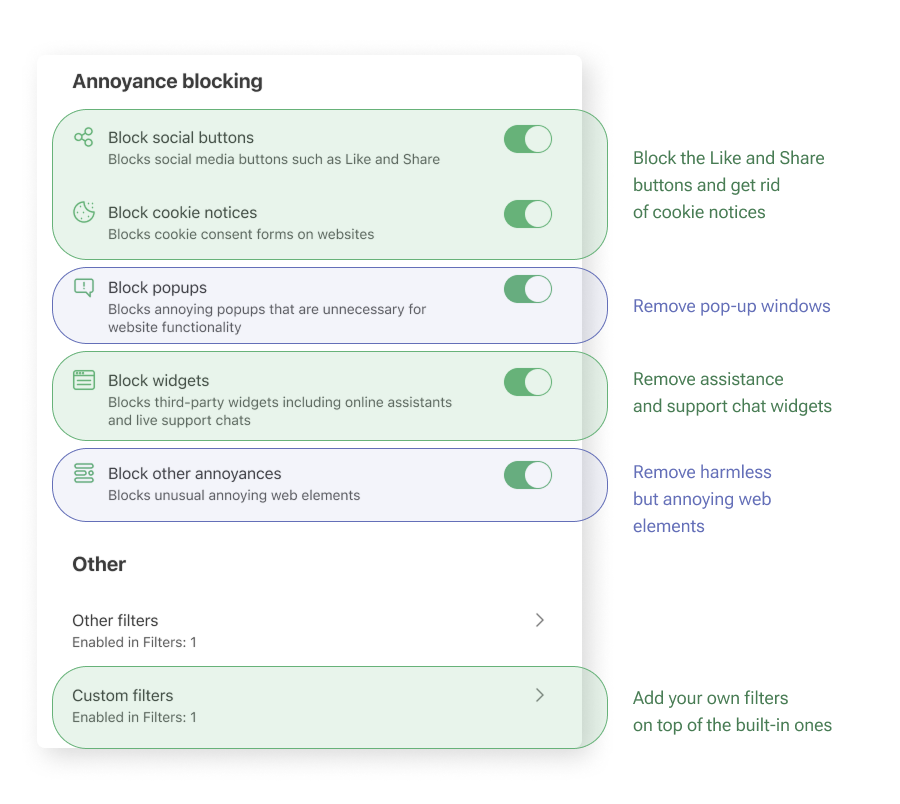
The Safari protection section is the most important area for the app’s core purpose. Nastavení jsou logicky seskupena a vysvětlena srozumitelným jazykem, takže rychle zjistíte, k čemu každá možnost slouží.
Zde je jednoduché vysvětlení toho, co jednotlivé skupiny nastavení dělají:
Health-check notifications
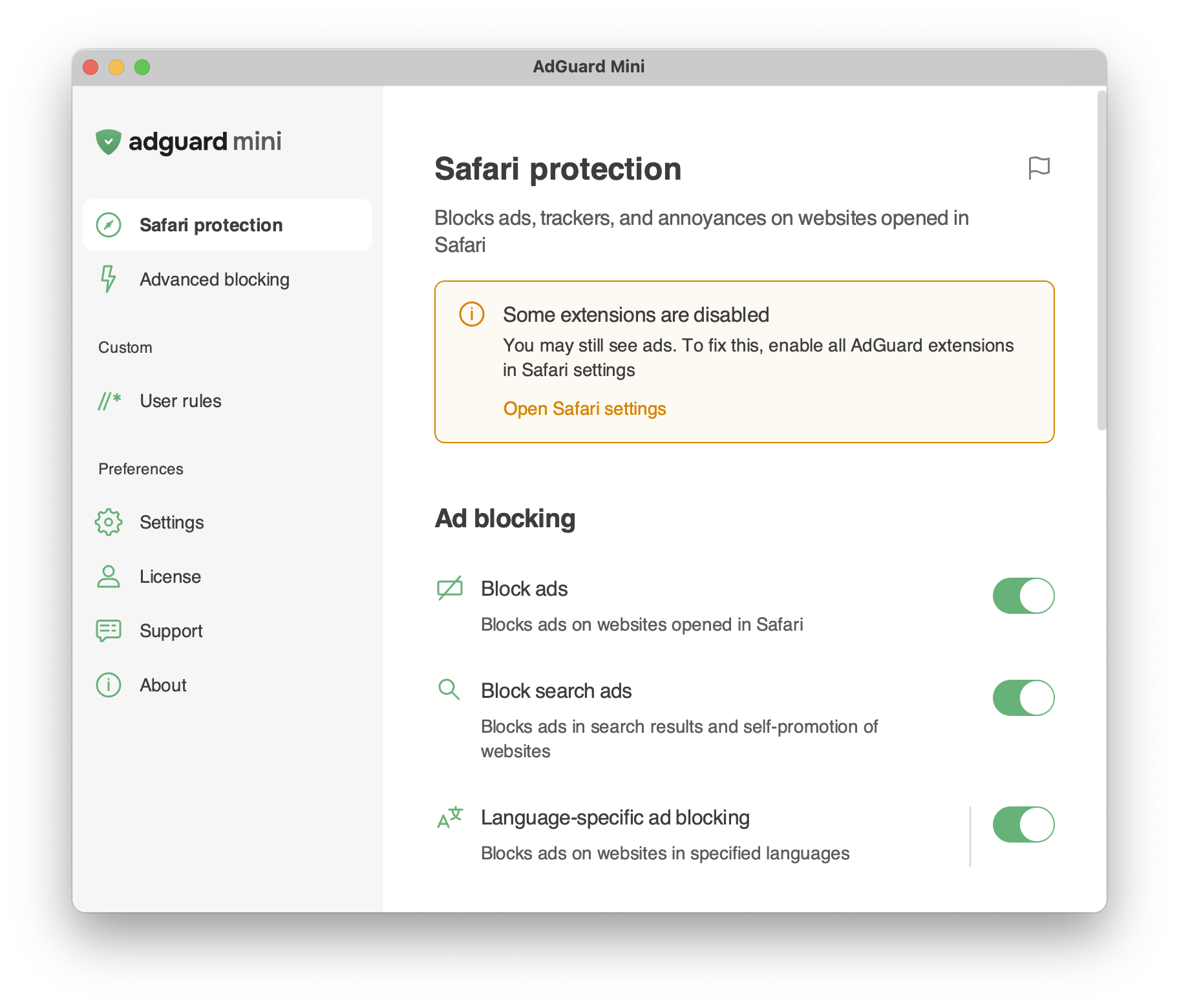
The Safari protection section includes health-check notifications that alert you to configuration issues that may affect filtering. Each notification describes the detected issue and suggests how to resolve it, where applicable.
Notifications are divided into two categories:
- Critical notifications are highlighted in orange and indicate issues that may prevent AdGuard Mini from functioning properly. These issues include missing background permissions, disabled Safari extensions, Safari extension errors, and reaching the Safari rule limit.
- Standard notifications are highlighted in gray and indicate less critical issues that can reduce protection quality, such as outdated filter lists or disabled features.